Typing the same serial onto every cert
Your tester's make, model and serial go on every EICR, EIC and minor works. Retyping them by hand each time is slow and easy to get wrong.
Keep your multifunction testers, gas analysers and clamp meters in one place — photograph the rating label and AI reads the make, model and serial. TradePlanr flags what's due for calibration and drops the details straight onto your certificates.
Free to start · No card · No download needed — works in your browser


On iPhone, Android and any browser
Your tester's make, model and serial go on every EICR, EIC and minor works. Retyping them by hand each time is slow and easy to get wrong.
A lapsed calibration date is easy to miss — but a certificate signed on an out-of-cal instrument won't stand up to scrutiny.
When a tool is due for calibration — or lost or stolen — there's no one place showing what you own, its serial number and when it was last calibrated.
Photograph the tool's rating label and TradePlanr reads the make, model and serial for you — no squinting at tiny text, then check and save. A Pro feature.
Set each tool's last-calibrated and next-due dates and TradePlanr flags anything overdue, or due within 30 days, right on your profile.
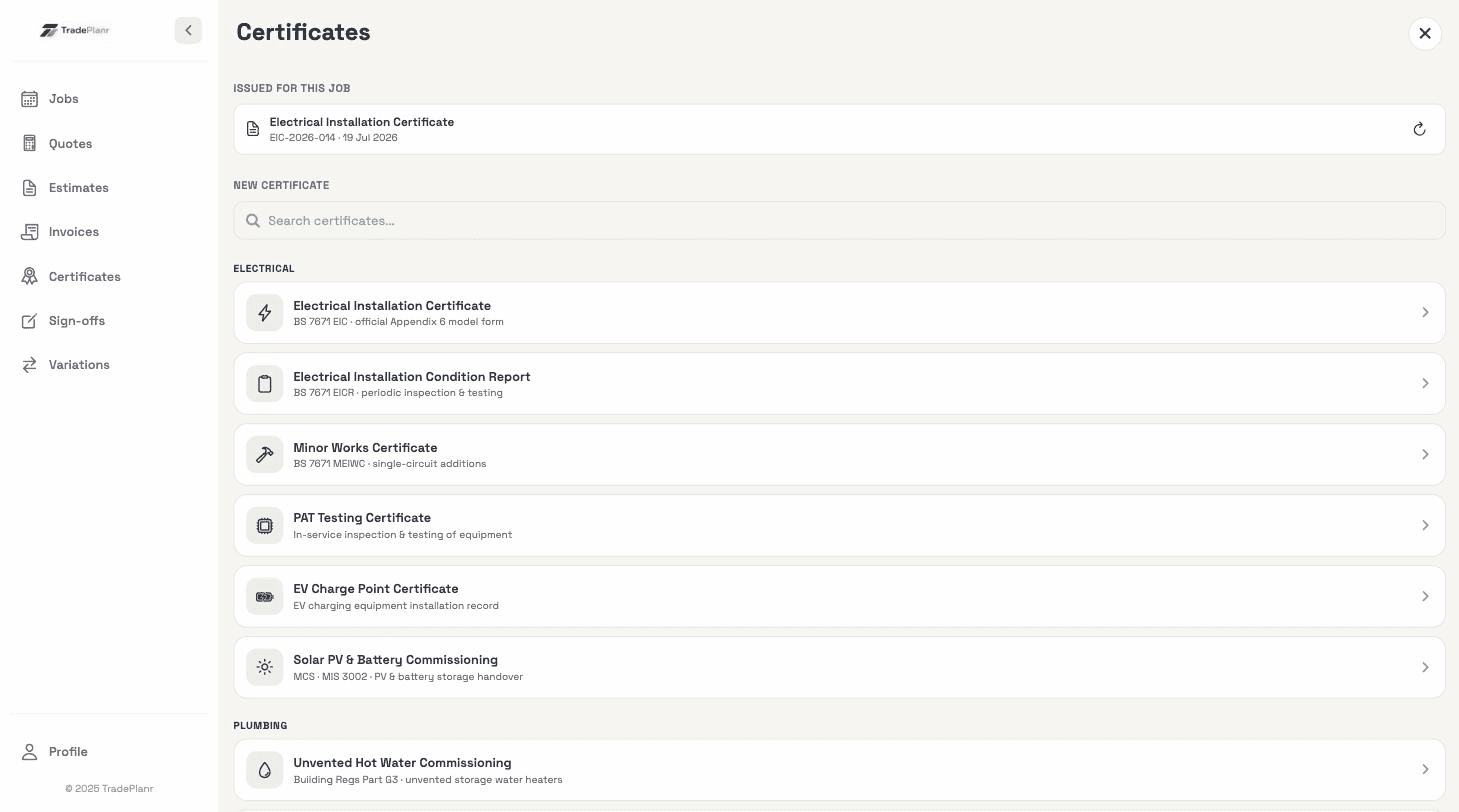
Pick a saved tool when filling an EICR, EIC, minor works or gas certificate and its make, model, serial and cal date drop into the instrument fields.
Your kit list syncs with your account across phone, tablet and the web app — and doubles as a photo-and-serial record for insurance or warranty claims.
Need the full tour? See everything the TradePlanr app does.
Real screens from the TradePlanr app — no stock photos, no mock-ups.
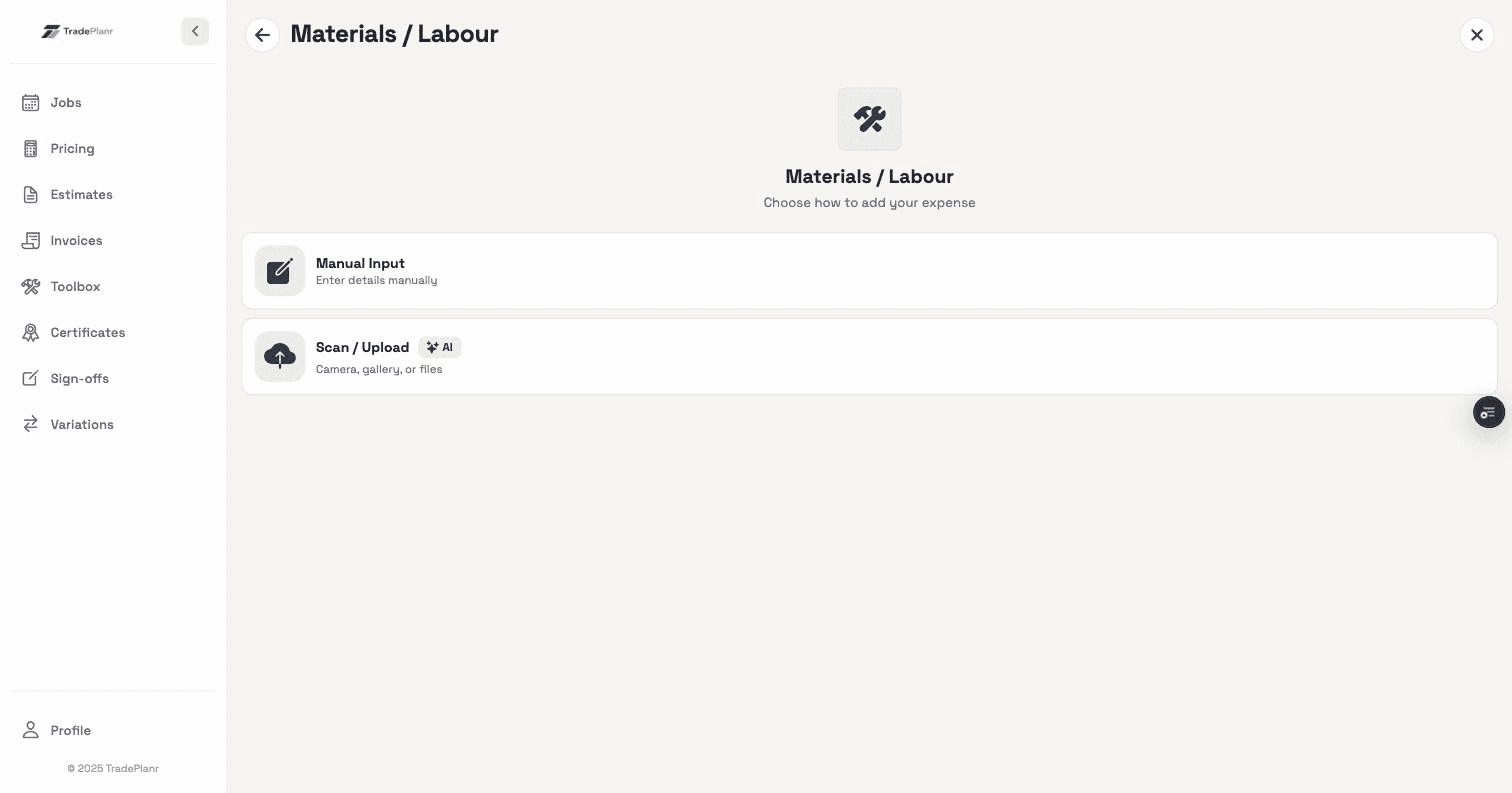
Photograph the rating label or nameplate on your tester or analyser and TradePlanr's AI reads the manufacturer, model and serial number, then fills them in for you to check before saving. It's a Pro feature, built on the same technology as the EICR board scanner.
Any test instrument or piece of kit — multifunction testers, insulation and continuity testers, flue gas analysers, clamp meters, PAT testers and more. Add a photo, serial number and calibration dates for each.
Yes. TradePlanr shows a 'due soon' flag within 30 days of a tool's next calibration date and marks anything past its date as overdue on your profile, so an out-of-cal instrument is easy to spot before you certify.
Once a tool is saved you can pick it while filling out a certificate and its make, model, serial number and calibration date drop straight into the instrument fields — across EICRs, EICs, minor works and gas certificates.
Yes — it's saved to your account and syncs to your phone, tablet and the web app, so your kit and calibration dates are always with you.
Start free in your browser and set up your first job in minutes — no download needed.