Double-booked between two calendars
The dentist is in Google Calendar, the boiler service is in your job diary — and neither knows about the other. Calendar sync puts both in one view, whichever app you're looking at.
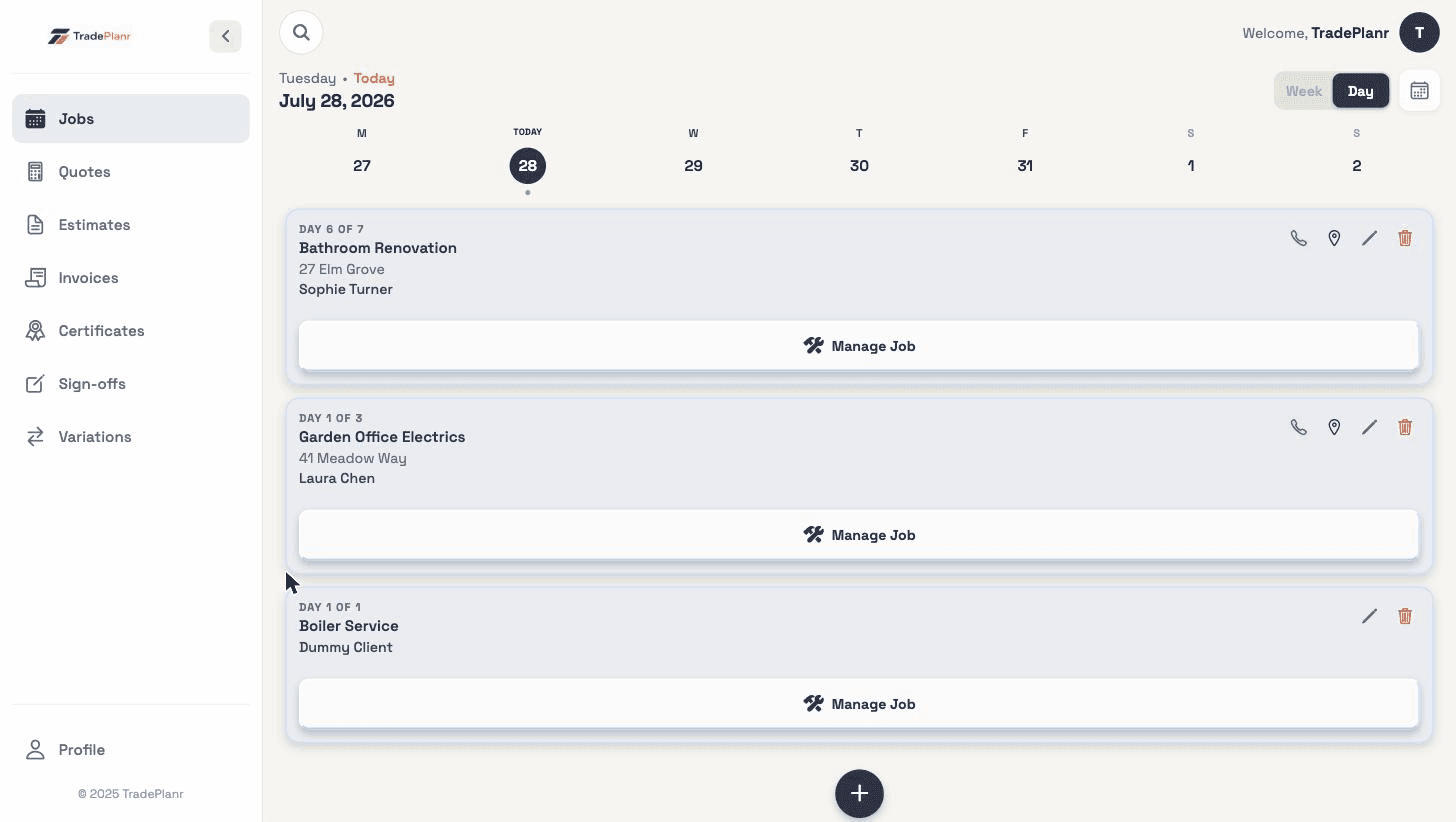
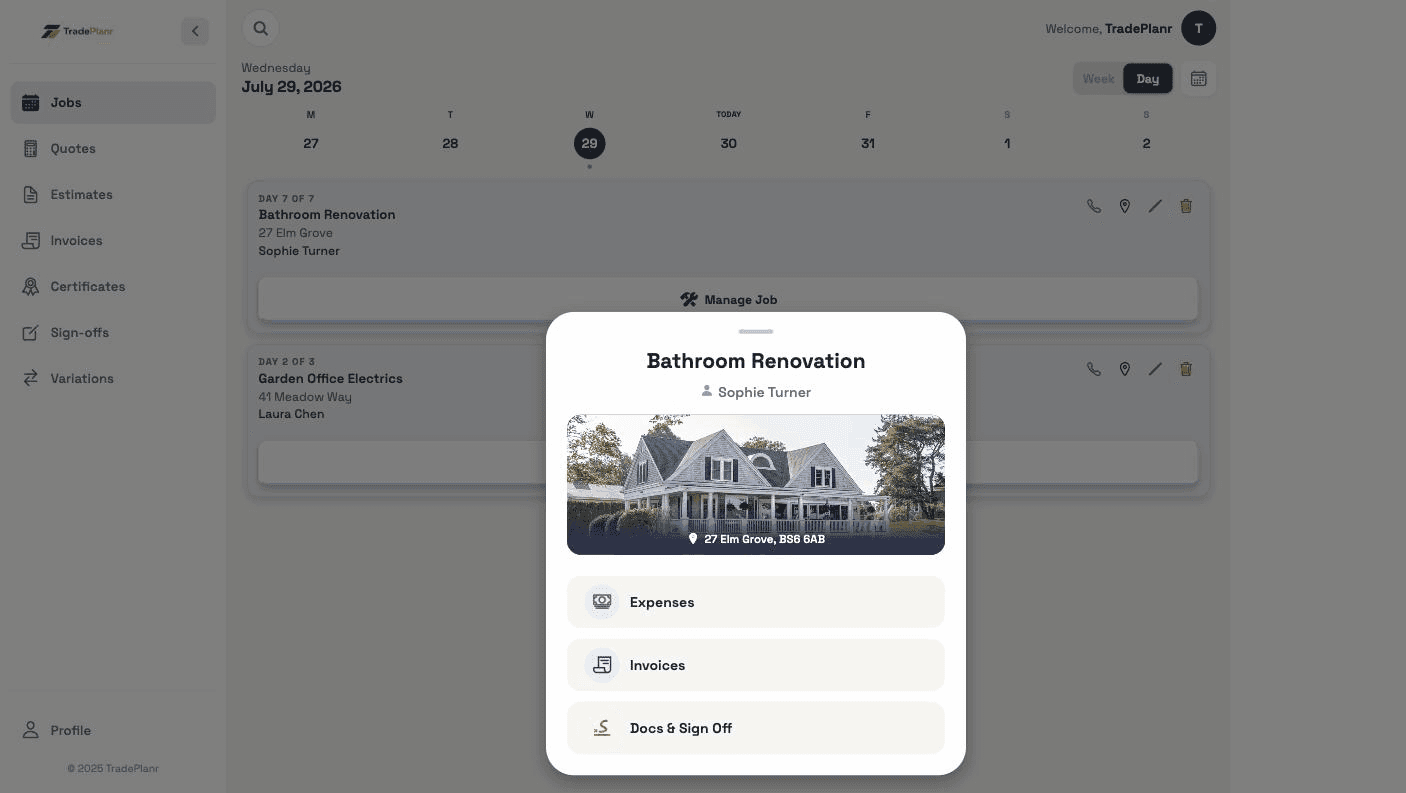
Two-way calendar sync: every job on your diary shows up in Google, Apple or Outlook Calendar with the client's name and address — and your personal appointments show as busy blocks in TradePlanr, so you never double-book again.
Free to start · No card · No download needed — works in your browser


On iPhone, Android and any browser
The dentist is in Google Calendar, the boiler service is in your job diary — and neither knows about the other. Calendar sync puts both in one view, whichever app you're looking at.
If your household runs on a shared Google or Apple calendar, your jobs can appear right in it — no more "are you working Saturday?" texts.
Copying bookings across by hand is a job in itself, and it's out of date the moment work moves. Synced jobs update themselves when you add, move or cancel work.
Create your calendar link in Profile → Calendar Sync and add it to Google, Apple or Outlook in a couple of taps. From then on your jobs appear and update automatically.
Each calendar entry carries the client's name and the job address — so directions are one tap away from the calendar you already use.
Paste your personal calendar's address into TradePlanr and appointments overlay your diary as busy blocks — read-only, and private to you even if you share your calendar with the office.
Your calendar feed is a secret link only you hold. If it ever gets out, generate a new one in a tap and the old link stops working instantly.
Need the full tour? See everything the TradePlanr app does.
Real screens from the TradePlanr app — no stock photos, no mock-ups.
Yes. Create your calendar link in Profile → Calendar Sync, then add it in Google Calendar under Other calendars → From URL. Your jobs appear with the client name and address and update automatically as your diary changes.
Yes — the same link works with Apple Calendar (there's a one-tap "Open in Apple Calendar" button on iPhone), Outlook, and any calendar app that supports iCal/ICS subscriptions.
Your TradePlanr diary is always instant. Calendar apps refresh subscribed calendars on their own schedule — Google typically a few times a day — so a job booked this morning can take a few hours to appear there.
Yes. Copy your calendar's secret iCal address (in Google Calendar: Settings → Integrate calendar) and paste it into Profile → Calendar Sync → Add a calendar. Appointments show as read-only busy blocks alongside your jobs — and they're private to you, so anyone you share your TradePlanr calendar with won't see them.
Each feed uses a secret link that only you hold — treat it like a password. If one ever leaks, tap "Get a new link" and the old one is revoked immediately.
Calendar sync is a Pro feature — you can set everything up on the free plan and upgrade when you're ready to connect, and it's included in every Pro subscription at no extra cost.
Start free in your browser and set up your first job in minutes — no download needed.