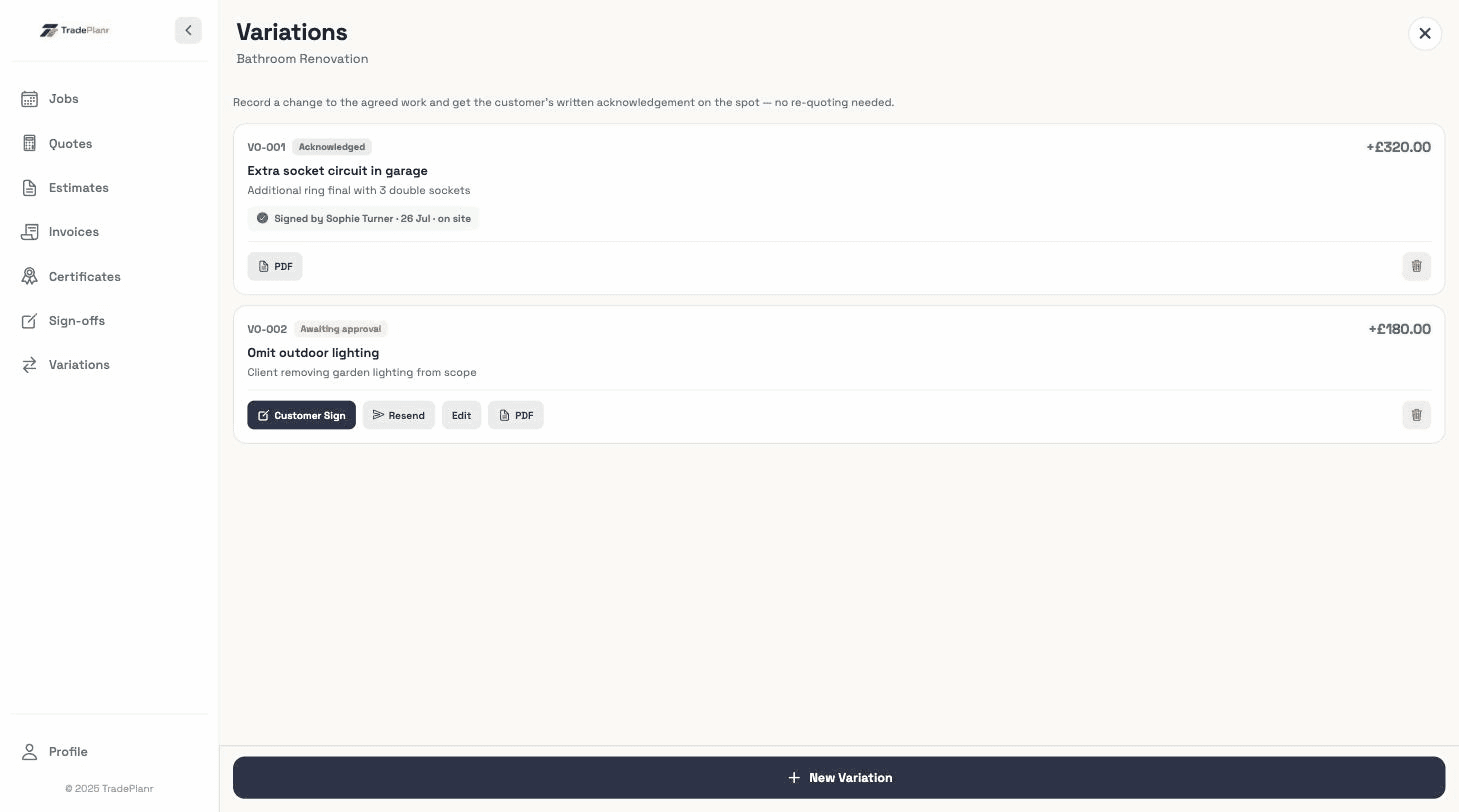
“While you're here, could you just…”
Small extras add up to unpaid days. Log each one as a variation with a price in under a minute.
Scope creep kills margins. Record variations the moment they come up, get the customer's acknowledgement, and watch them flow onto the final invoice.
Free to start · No card · No download needed — works in your browser


On iPhone, Android and any browser
Small extras add up to unpaid days. Log each one as a variation with a price in under a minute.
Variations recorded on the day pull through to the invoice automatically — nothing gets missed.
A written variation the customer acknowledges up front is easier than a surprise on the final bill.
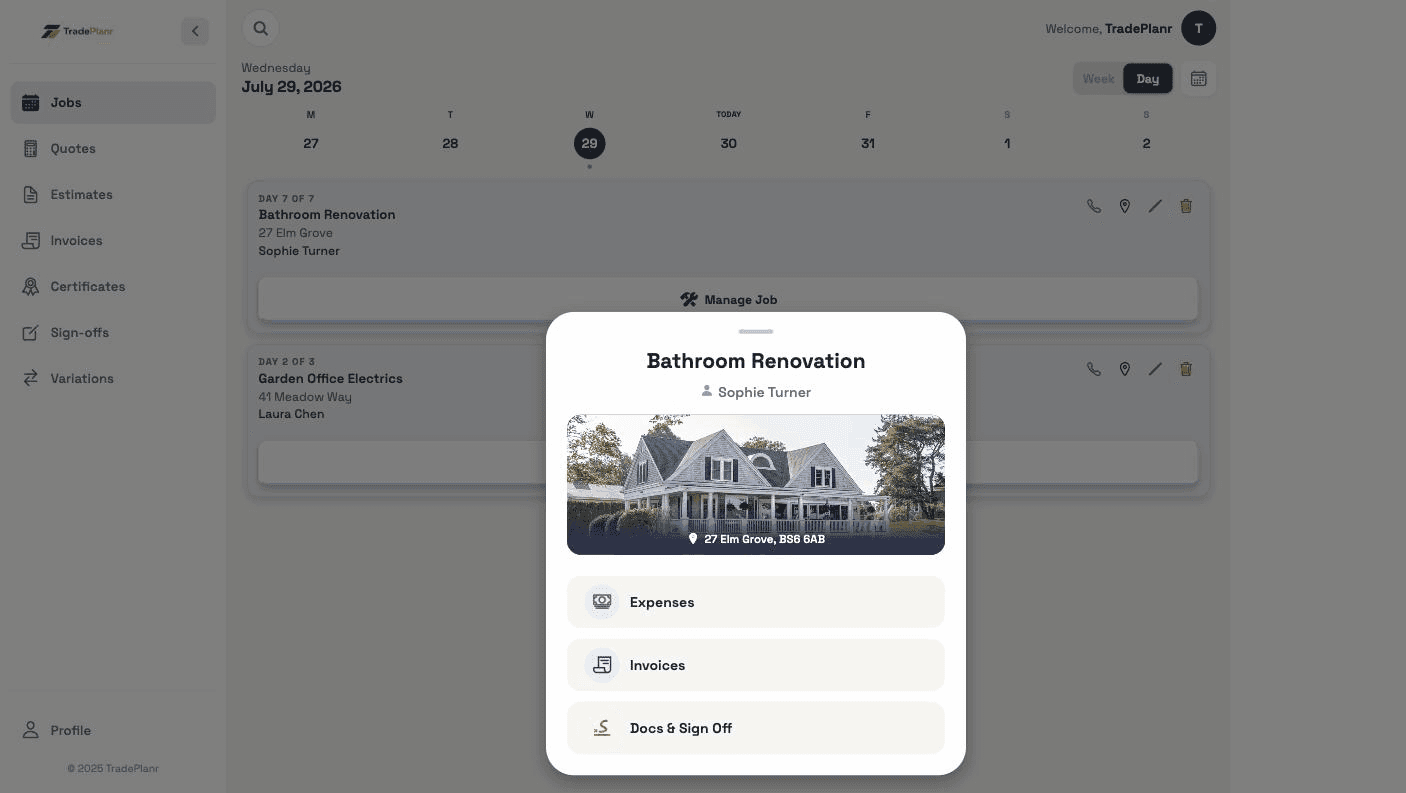
Describe the change, price it as an extra or a credit, and attach photos — all against the original job, even with no signal on site.
Get variations acknowledged with a signature on site or via a share link.
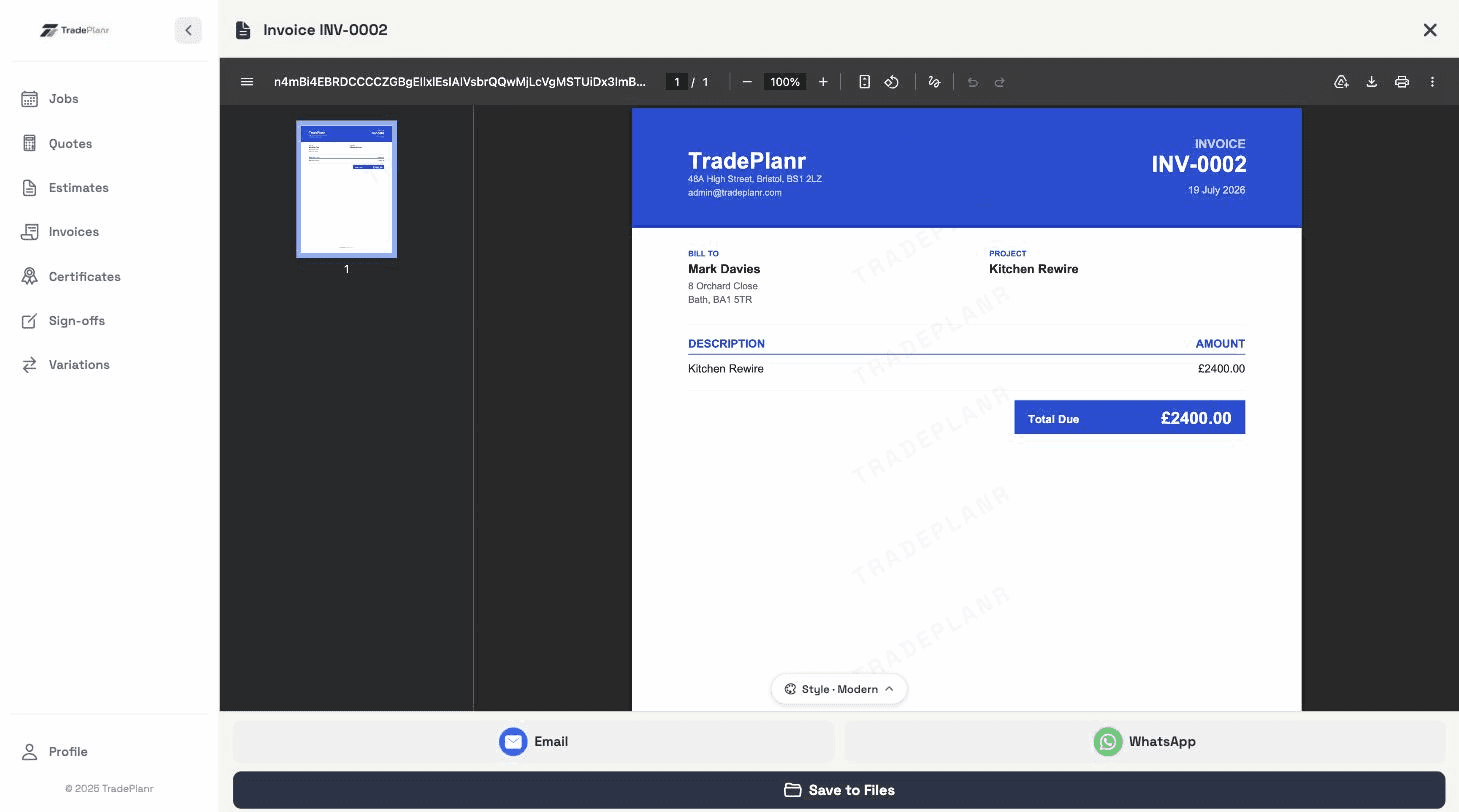
Agreed variations appear on the final invoice alongside the original quoted work.
Every variation gets its own VO number against the job, so each change to scope and price is documented and easy to point to.
Need the full tour? See everything the TradePlanr app does.
Real screens from the TradePlanr app — no stock photos, no mock-ups.
Any change to the originally agreed work — extra tasks, upgraded materials, unforeseen problems, or omissions where something's dropped from the scope and credited back. Recording them keeps the price conversation honest on both sides.
You can capture a signature on site or send a link for remote acknowledgement — either way you have it in writing.
When you create the final invoice for the job, agreed variations pull through automatically as line items.
Start free in your browser and set up your first job in minutes — no download needed.