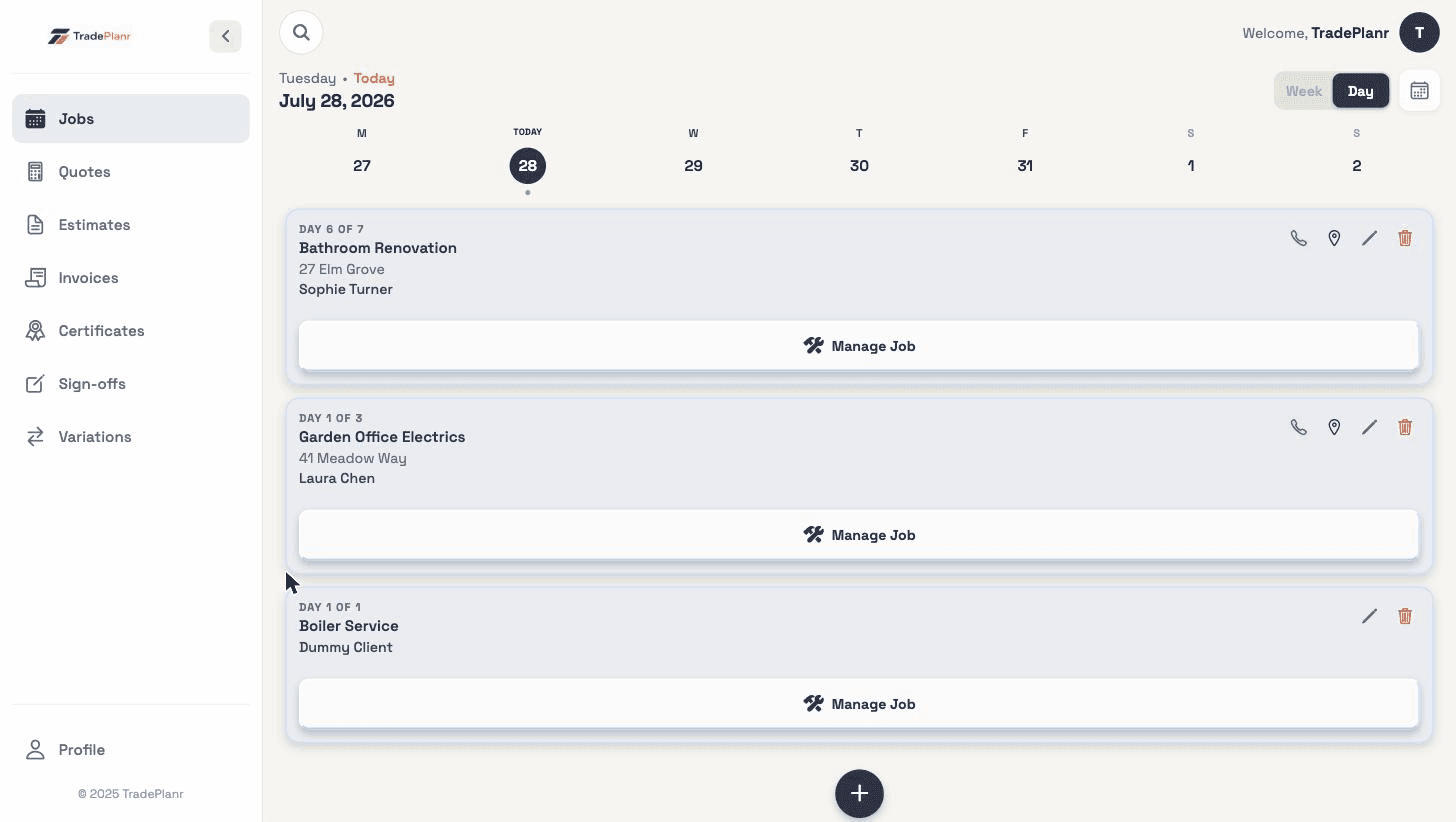
Relaying job details down the phone
Reading out addresses, gate codes and what needs doing wastes time and gets things wrong. Share the job and they have it all in front of them.
Send a subbie the address, scope and photos, or let a partner and the office view and manage your diary from their own device. No more relaying details over the phone.
Free to start · No card · No download needed — works in your browser


On iPhone, Android and any browser
Reading out addresses, gate codes and what needs doing wastes time and gets things wrong. Share the job and they have it all in front of them.
A partner or office staff can't see what's booked without ringing you. Calendar sharing lets them view and manage the diary from their own screen.
Send a subcontractor the exact job — address, scope, notes and photos — so they arrive ready, not guessing.
Send any job to a mate or subbie by link or message. They open the details on their phone without needing a TradePlanr account.
Give a partner or the office access to view and manage your jobs from their own device or the web, so everyone stays in sync.
A single share link works whether the person opens it in the app or in a browser — no faff getting them set up.
Shares are view-and-manage by your choice, and you decide what gets shared and with who. Nothing leaves your account without you.
Need the full tour? See everything the TradePlanr app does.
Real screens from the TradePlanr app — no stock photos, no mock-ups.
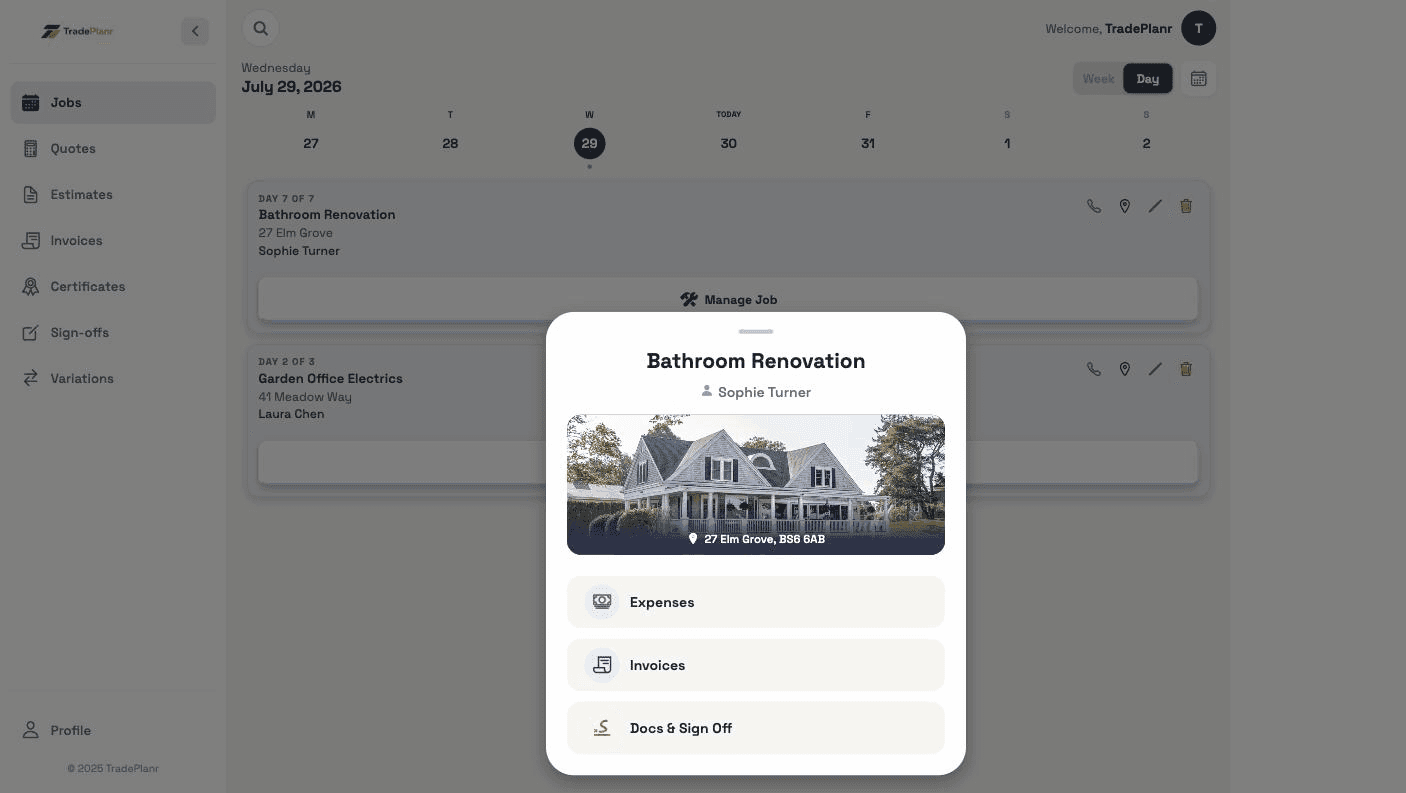
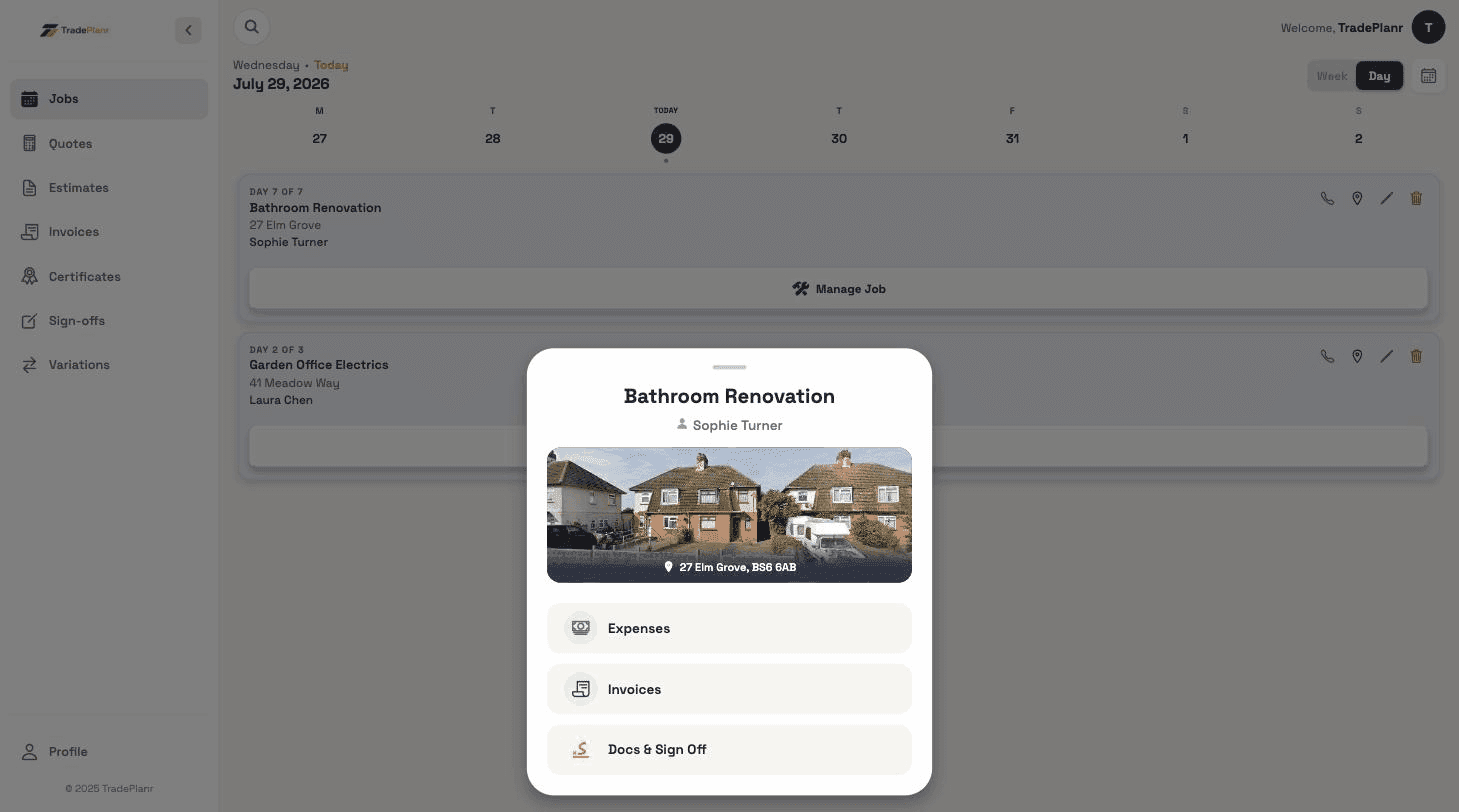
No — to view a shared job they just open the link on any phone or browser. To help manage your diary they can use the free app or the web.
Yes. Calendar sharing lets a partner or office staff view and manage jobs from their own device or the web, so your diary stays up to date without phone calls.
You control exactly what you share and with whom, and you can stop sharing at any time. Nothing is shared from your account unless you choose to.
Start free in your browser and set up your first job in minutes — no download needed.