A shoebox full of receipts
Receipts fade, rip and vanish under the van seat. Snap a photo or attach the PDF on site and it's stored against the job for good.
Snap the receipt at the merchant, attach it to the job, and see real profit — labour, materials and VAT tracked without a shoebox in sight.
Free to start · No card · No download needed — works in your browser


On iPhone, Android and any browser
Receipts fade, rip and vanish under the van seat. Snap a photo or attach the PDF on site and it's stored against the job for good.
Turnover isn't profit. With costs recorded against each job's invoices, you see what every job actually made — and which customers are worth it.
Mark each expense as invoiced when it goes on the bill, so nothing gets charged twice and nothing slips through unbilled.
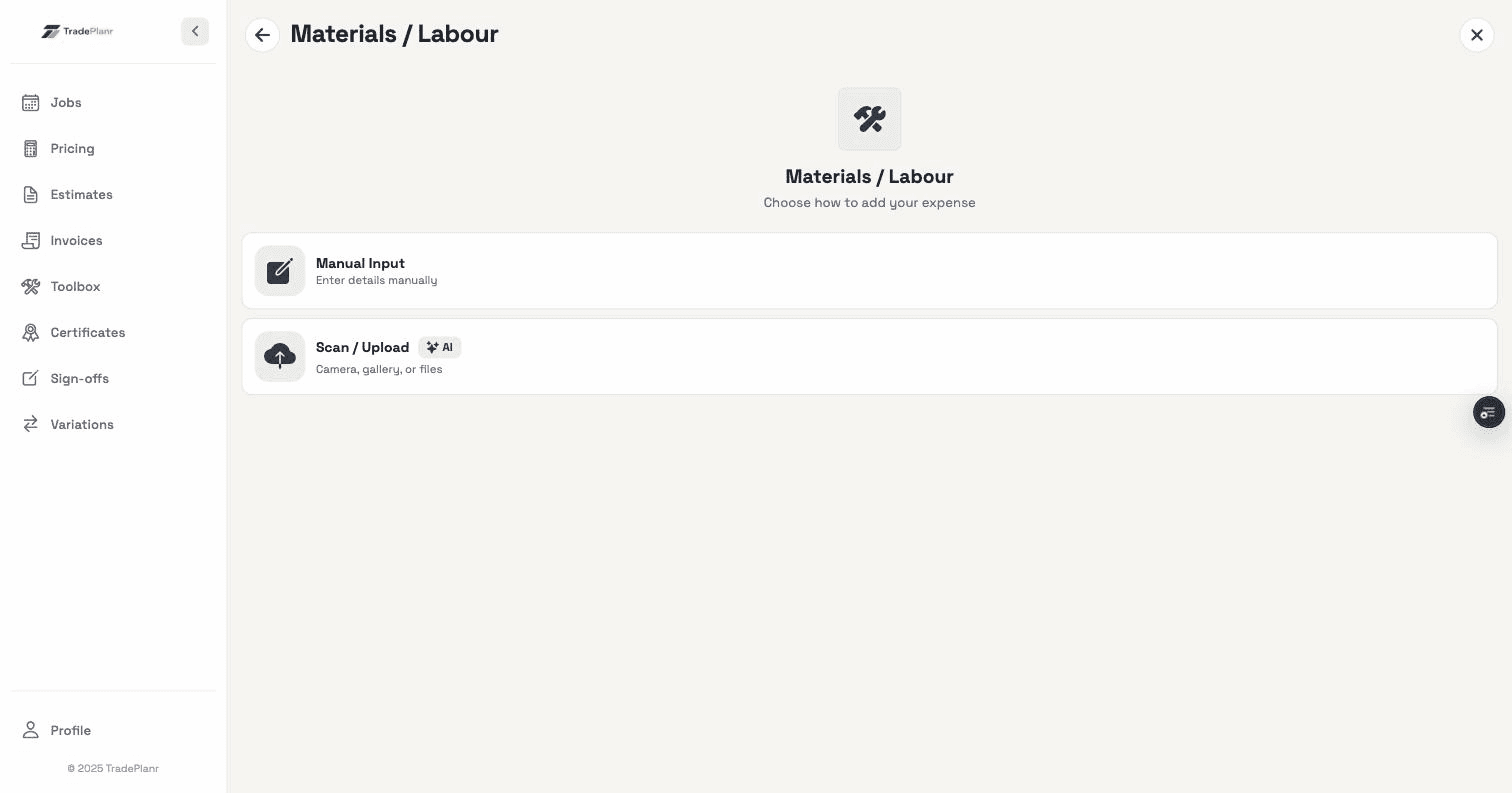
Photograph the receipt or attach a PDF the moment you buy, straight against the job it belongs to.
Track labour as hours times rate, per worker, and materials separately — so you know exactly where the money went on each job.
Enter costs net or gross with VAT worked out for you — 20% by default, adjustable when it isn't.
Expenses flow into Xero as bills, so your books stay right without typing everything in twice.
Need the full tour? See everything the TradePlanr app does.
Connect QuickBooks, Xero, FreeAgent or Sage and the expenses you log on site sync across as bills automatically — no double entry, no month-end export.
See accounting integrationsReal screens from the TradePlanr app — no stock photos, no mock-ups.
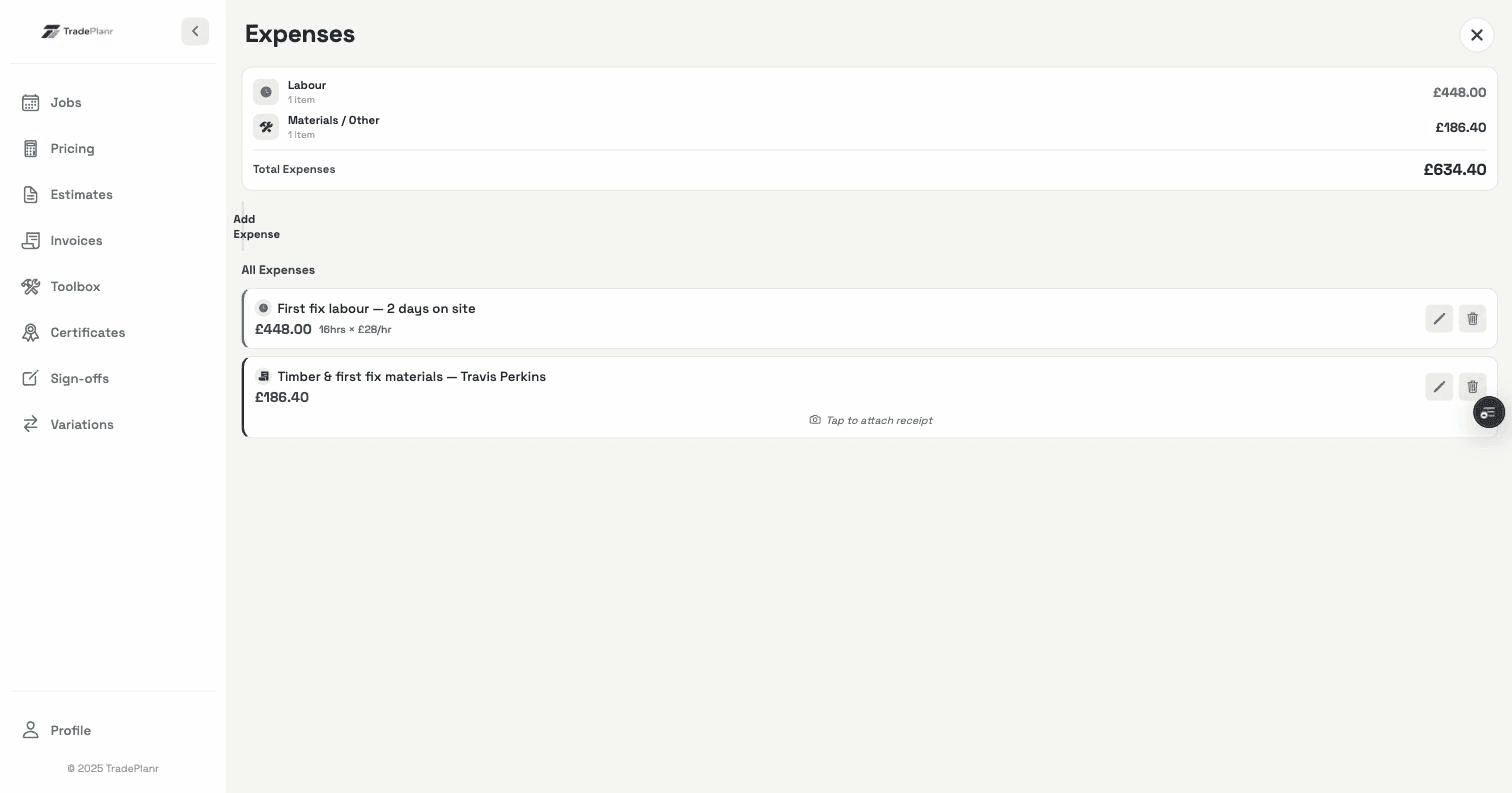
Yes — record labour as hours times an hourly rate, per worker, alongside material costs. The split shows you where each job's money actually went.
Enter amounts net or gross and TradePlanr handles the VAT, defaulting to 20%. You can adjust the rate for anything that's reduced or zero-rated.
Yes — expenses push to Xero as bills, so your accountant sees the same costs you recorded on site, with no double entry.
Start free in your browser and set up your first job in minutes — no download needed.