Pads and photocopies that run out
Carbon-copy worksheets get lost, soaked and left in the van. Your form lives in the app, with every completed copy stored against its job.
Every trade has that one sheet no app caters for — a call-out worksheet, service record or site checklist. Photograph yours and TradePlanr's AI rebuilds it as a fillable form that works just like your certificates: fill it in on site, capture signatures, and send a branded PDF that's stored against the job.
Free to start · No card · No download needed — works in your browser


On iPhone, Android and any browser
Carbon-copy worksheets get lost, soaked and left in the van. Your form lives in the app, with every completed copy stored against its job.
Most software makes you work their way. TradePlanr rebuilds the exact sheet you already use, so nothing about how you record a job has to change.
Fill the form in once, on site, on your phone. The finished PDF is ready to send before you've packed the van — no evening typing.
Photograph your existing worksheet — up to 3 pages — and AI reads the layout, sections and fields and rebuilds it for you to check and save. A Pro feature.
Add sections, text boxes, longer notes, tick boxes and dates in a simple editor. Rename, reorder or tweak any field, and edit the form again whenever your paperwork changes.
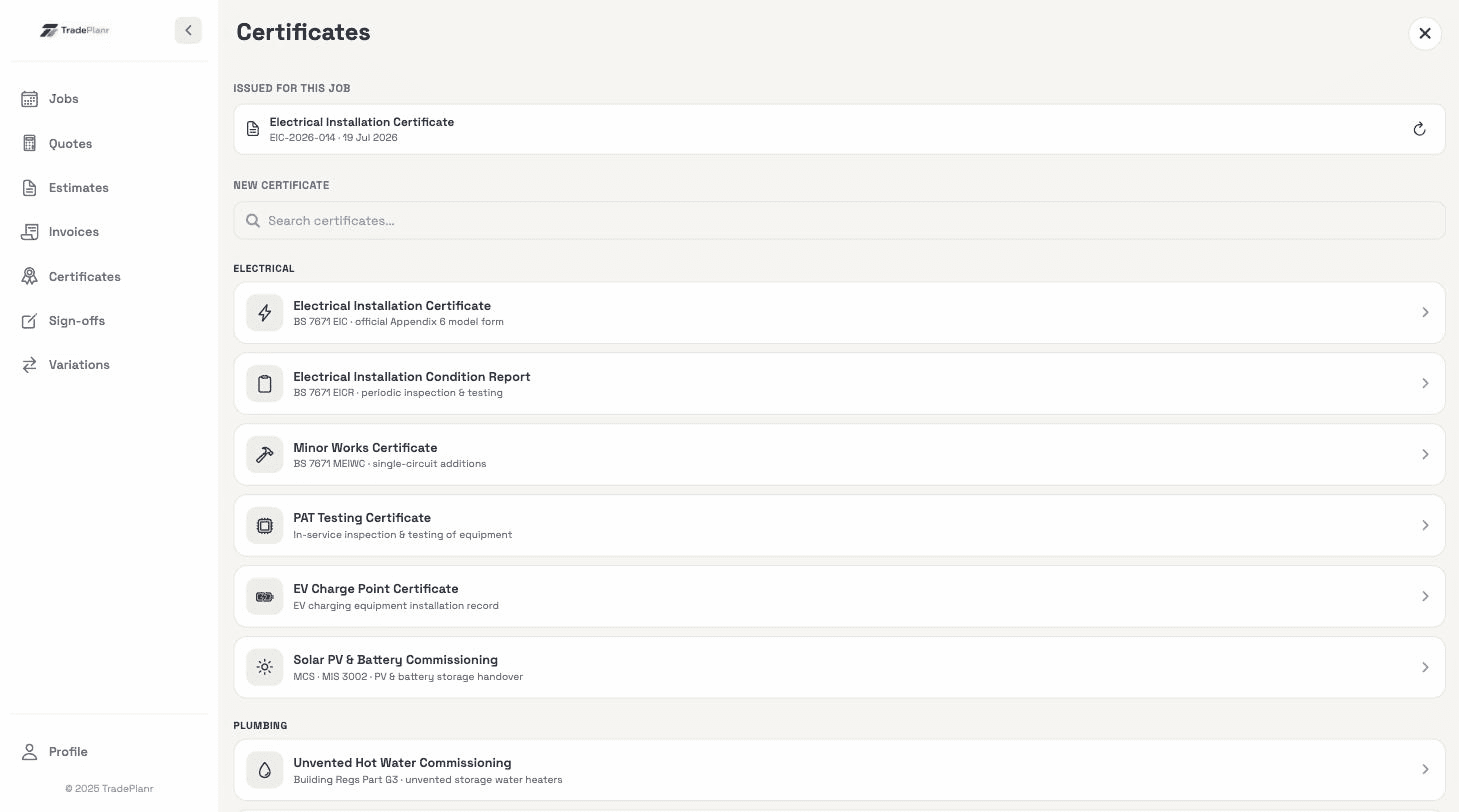
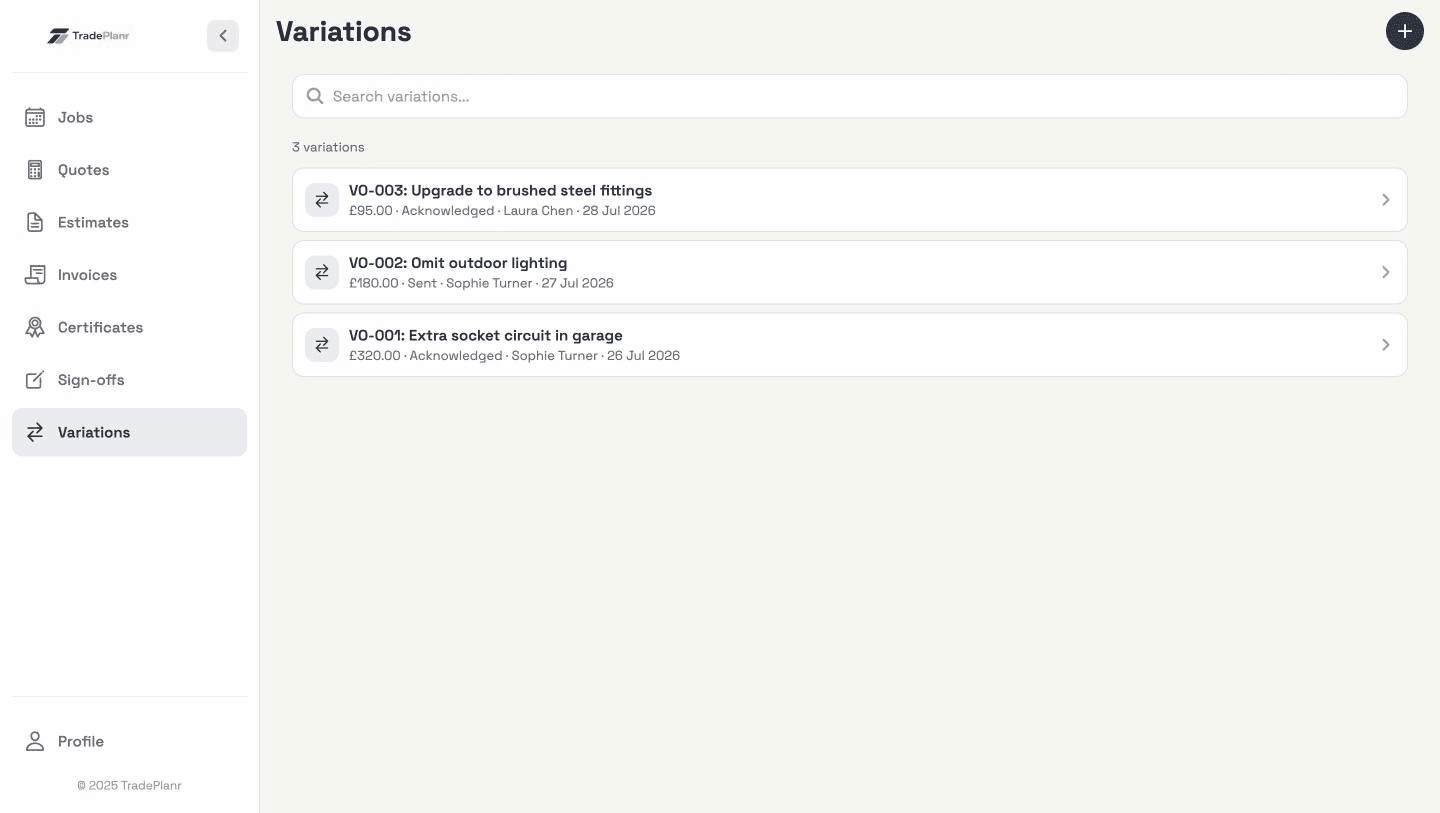
Your forms sit alongside your certificates in the app. Fill them in on site — even offline — with your saved signature applied automatically and the customer signing on your screen.
Every completed form becomes a clean PDF with your logo and details, sent by email or message in seconds and kept with the job's quotes, invoices and certificates.
Need the full tour? See everything the TradePlanr app does.
Real screens from the TradePlanr app — no stock photos, no mock-ups.
Photograph each page of your paper worksheet straight-on in good light — up to 3 pages — and TradePlanr's AI reads the headings and fields to rebuild it as a digital form. You review and tweak the result before saving, and it's a Pro feature built on the same technology as the EICR board scanner.
Text boxes, longer multi-line notes, tick boxes and dates, organised into sections — plus engineer and customer signature boxes, which are included automatically. That covers the worksheets, service records and checklists most trades use.
Yes — open it from the My forms list to rename, add or remove fields at any time, or archive a form you no longer use. Forms you've already issued keep the version they were filled in on.
Yes. Like everything in TradePlanr, forms are filled in on your phone and sync when you're back in signal — basements and remote sites aren't a problem.
Generating the form produces a branded PDF you can email or message to the customer on the spot, and every completed copy is stored against its job so you can find or resend it in seconds.
Start free in your browser and set up your first job in minutes — no download needed.