Jobs scribbled in a van diary
Paper diaries get lost, soaked and left in the other jacket. TradePlanr keeps every booking safe and searchable on your phone.
Every job, client, address and note in one place. Plan your week in seconds, and never double-book or turn up without the details again.
Free to start · No card · No download needed — works in your browser


On iPhone, Android and any browser
Paper diaries get lost, soaked and left in the other jacket. TradePlanr keeps every booking safe and searchable on your phone.
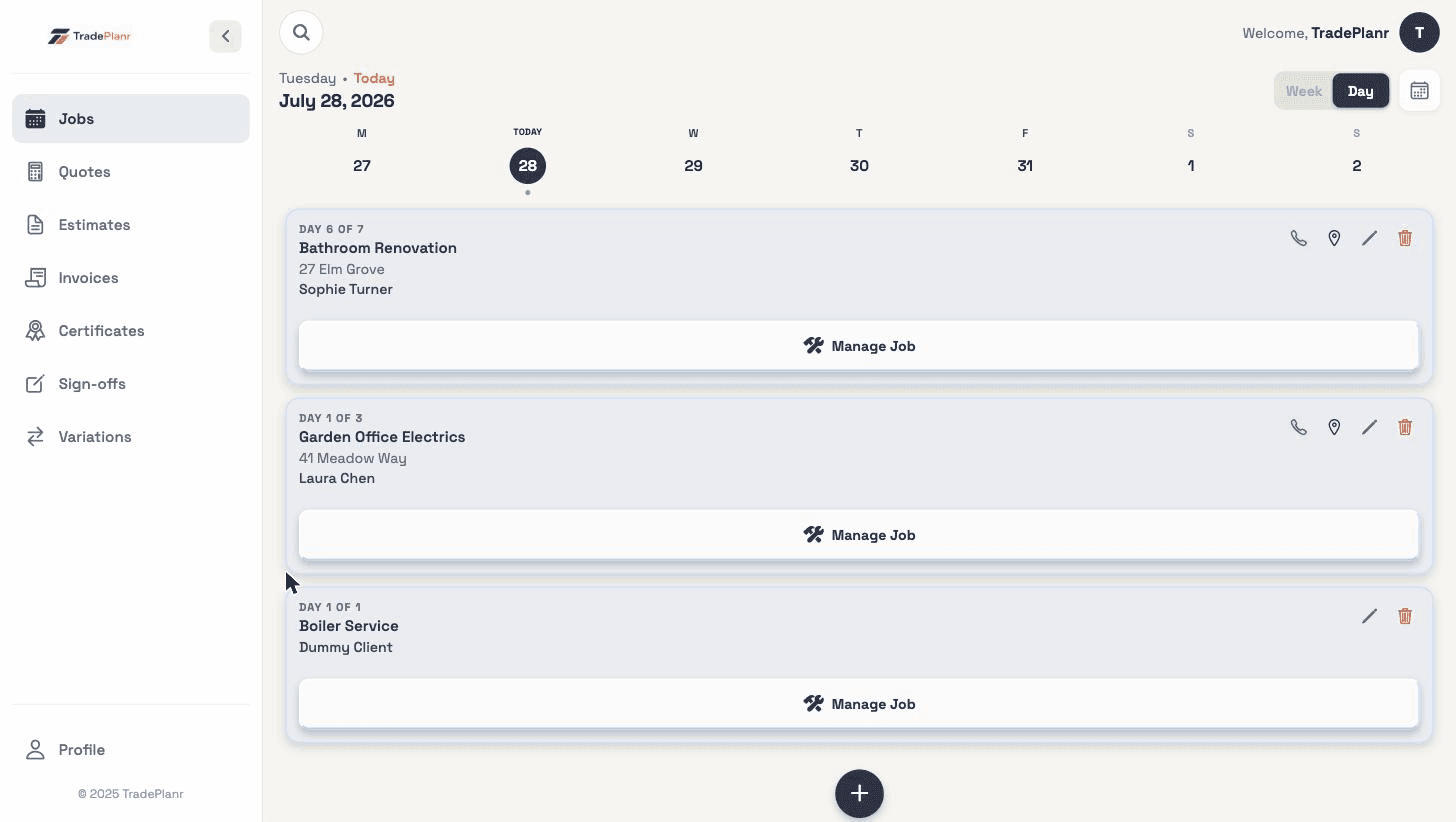
See day and week views at a glance before you promise a date, with AM, PM and all-day slots.
Phone numbers in texts, addresses in emails, gate codes on scraps of paper. Keep it all against the job where you'll find it.
A calendar built around how trades actually book work — AM, PM and all-day jobs with travel-friendly detail.
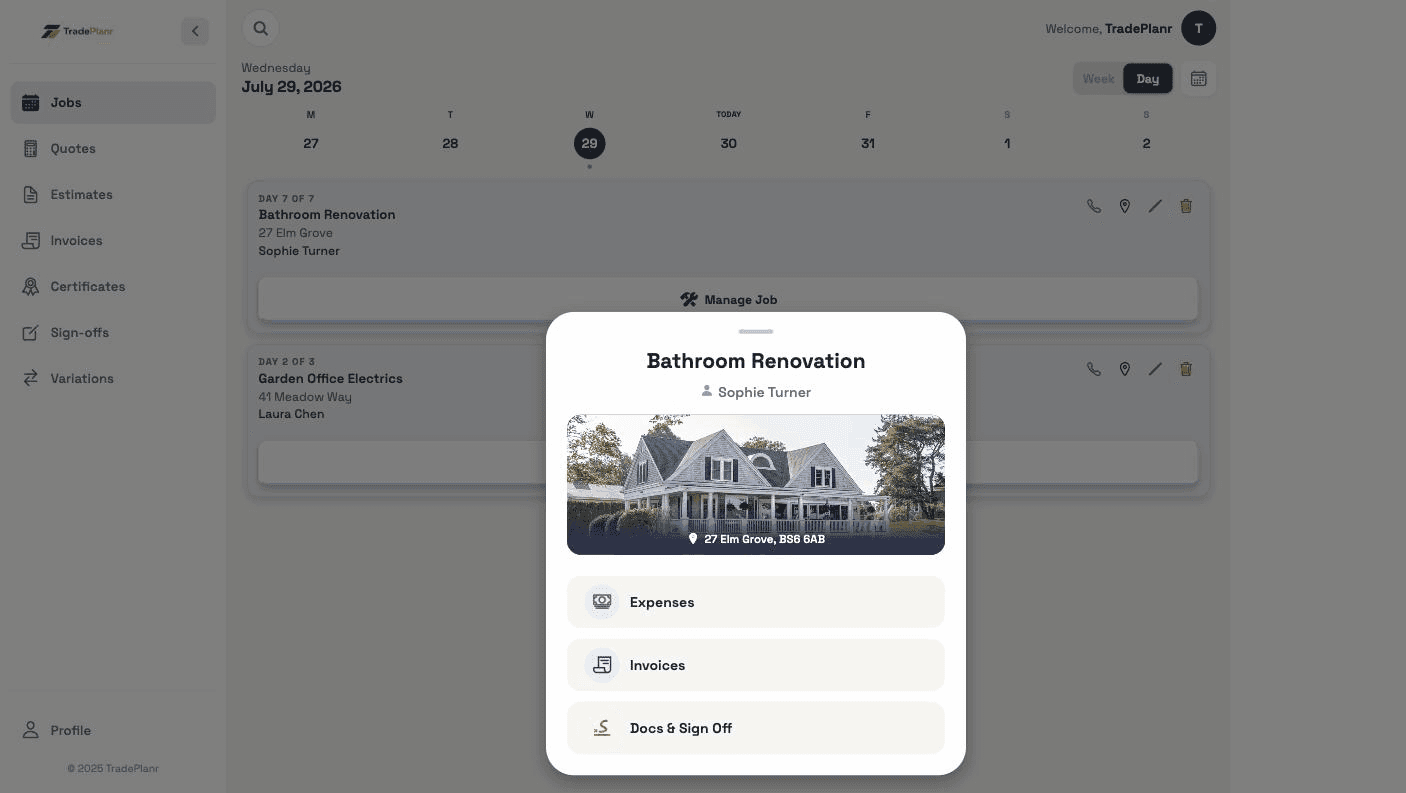
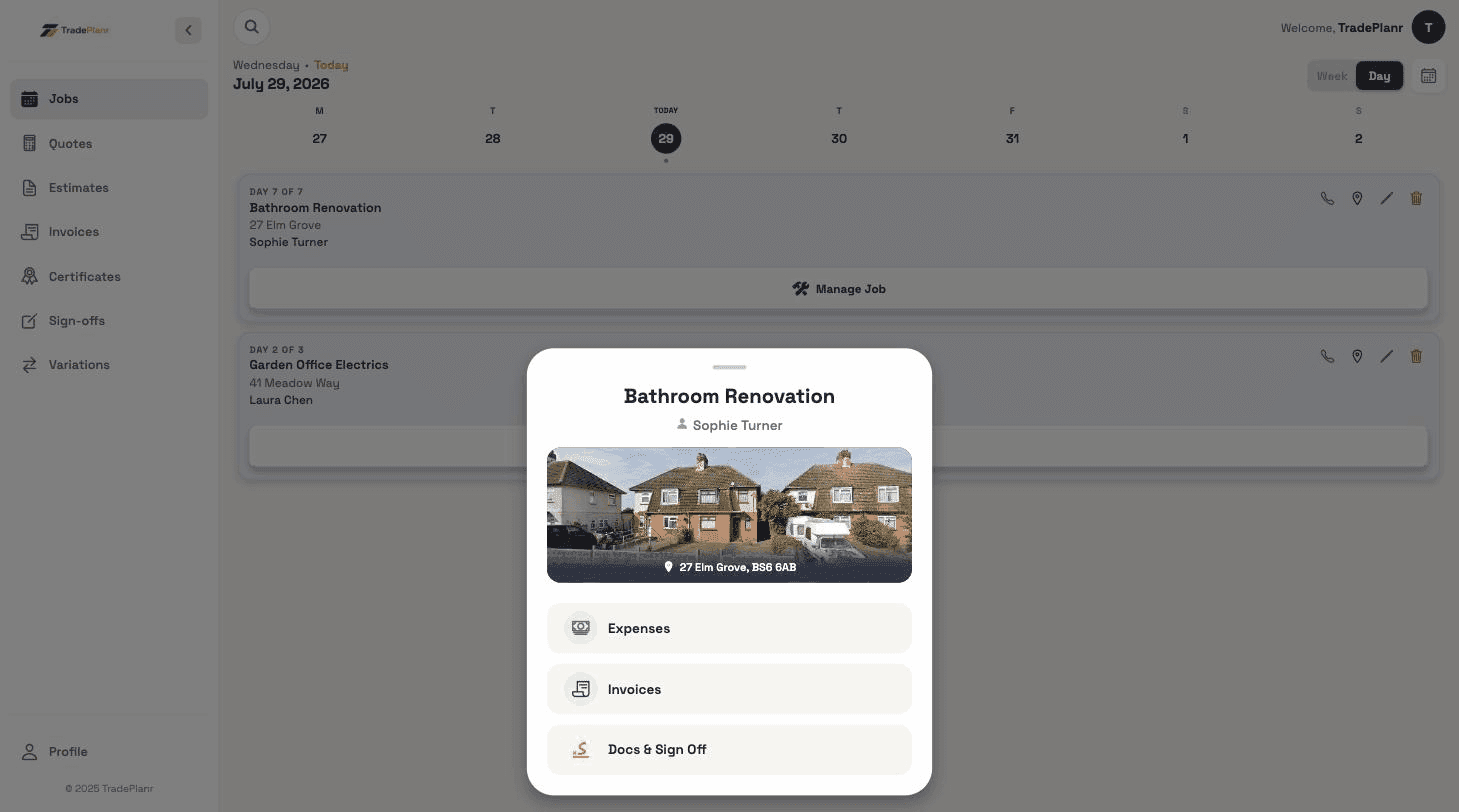
Client contact details, address, notes, photos, quotes and invoices all hang off the job record.
Basements, new-builds, the middle of nowhere — the diary works without signal and syncs later.
Let a partner, office or teammate see and manage the diary with a simple invite link.
Need the full tour? See everything the TradePlanr app does.
Two-way calendar sync puts your diary in Google, Apple or Outlook Calendar — and shows your personal appointments in TradePlanr, so you never double-book.
See calendar syncReal screens from the TradePlanr app — no stock photos, no mock-ups.
Yes. TradePlanr is offline-first — view and edit your diary anywhere, and changes sync automatically when you're back online.
Yes, calendar sharing lets a partner or office staff view and manage jobs from their own device or the web.
Yes — quotes, invoices, sign-offs and certificates are all created from the job, so client details are filled in for you.
Start free in your browser and set up your first job in minutes — no download needed.