No record of what was agreed
Verbal prices cause disputes. Itemised, QT-numbered quotes with digital acceptance protect your price and your time.
After the site visit, put a firm, itemised price in writing. The customer accepts with a digital signature and the quote converts to the invoice — agreed variations included.
Free to start · No card · No download needed — works in your browser


On iPhone, Android and any browser
Verbal prices cause disputes. Itemised, QT-numbered quotes with digital acceptance protect your price and your time.
Word templates and texted prices undermine your work. A branded, itemised PDF quote puts you on level footing with the big firms.
View and acceptance tracking shows when the customer opened it and whether they've accepted or declined — with timestamps, so you follow up at the right moment.
A firm offer with itemised pricing and a validity date, sent as a branded PDF with a share link.
Customers accept and sign from a link on their phone — no printing, no chasing. You're notified the moment they do.
Viewed, accepted or declined — every quote's status is tracked with timestamps on the dashboard.
Accepted quotes convert to the invoice — including any variations agreed along the way.
Need the full tour? See everything the TradePlanr app does.
Real screens from the TradePlanr app — no stock photos, no mock-ups.
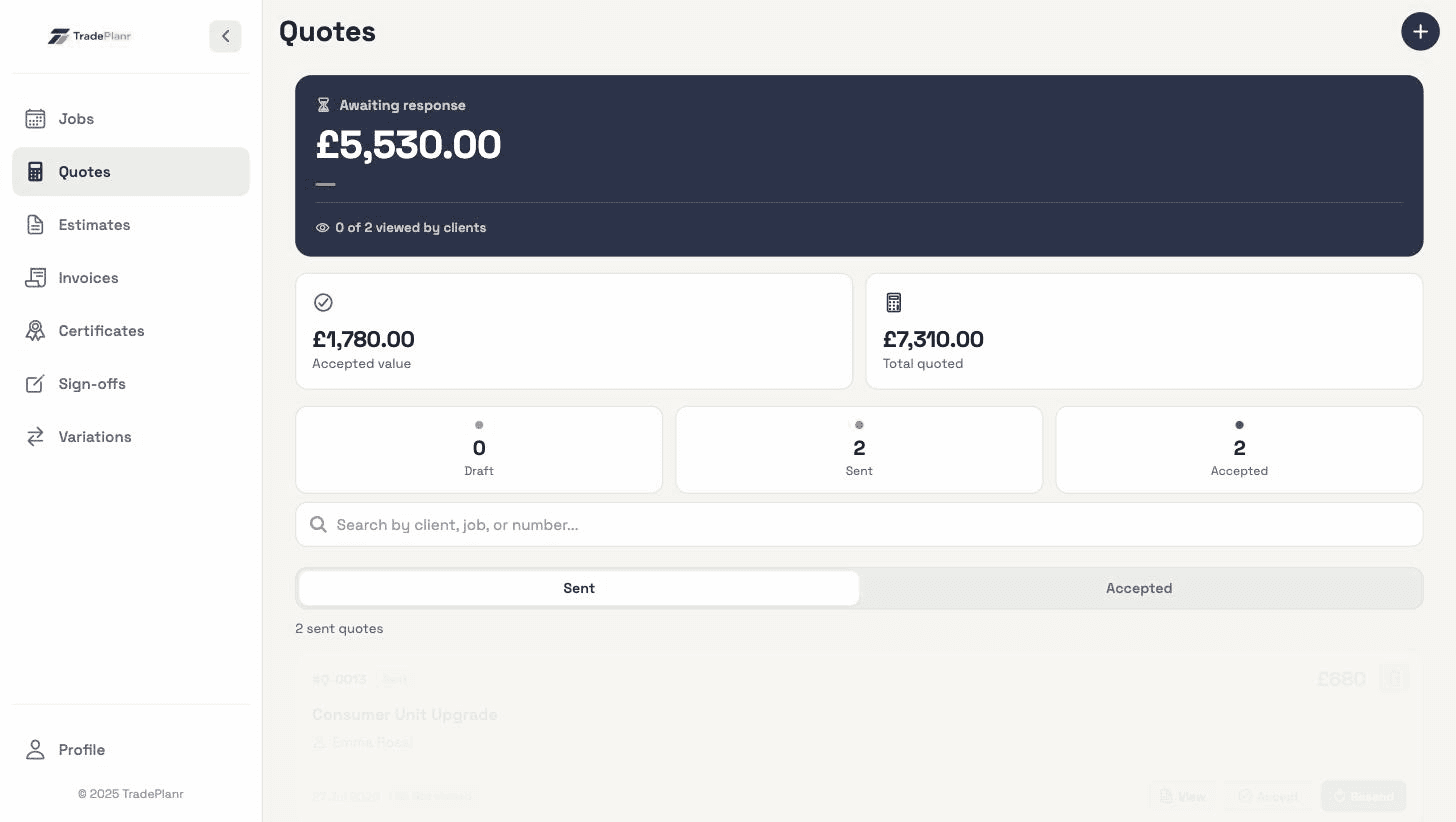
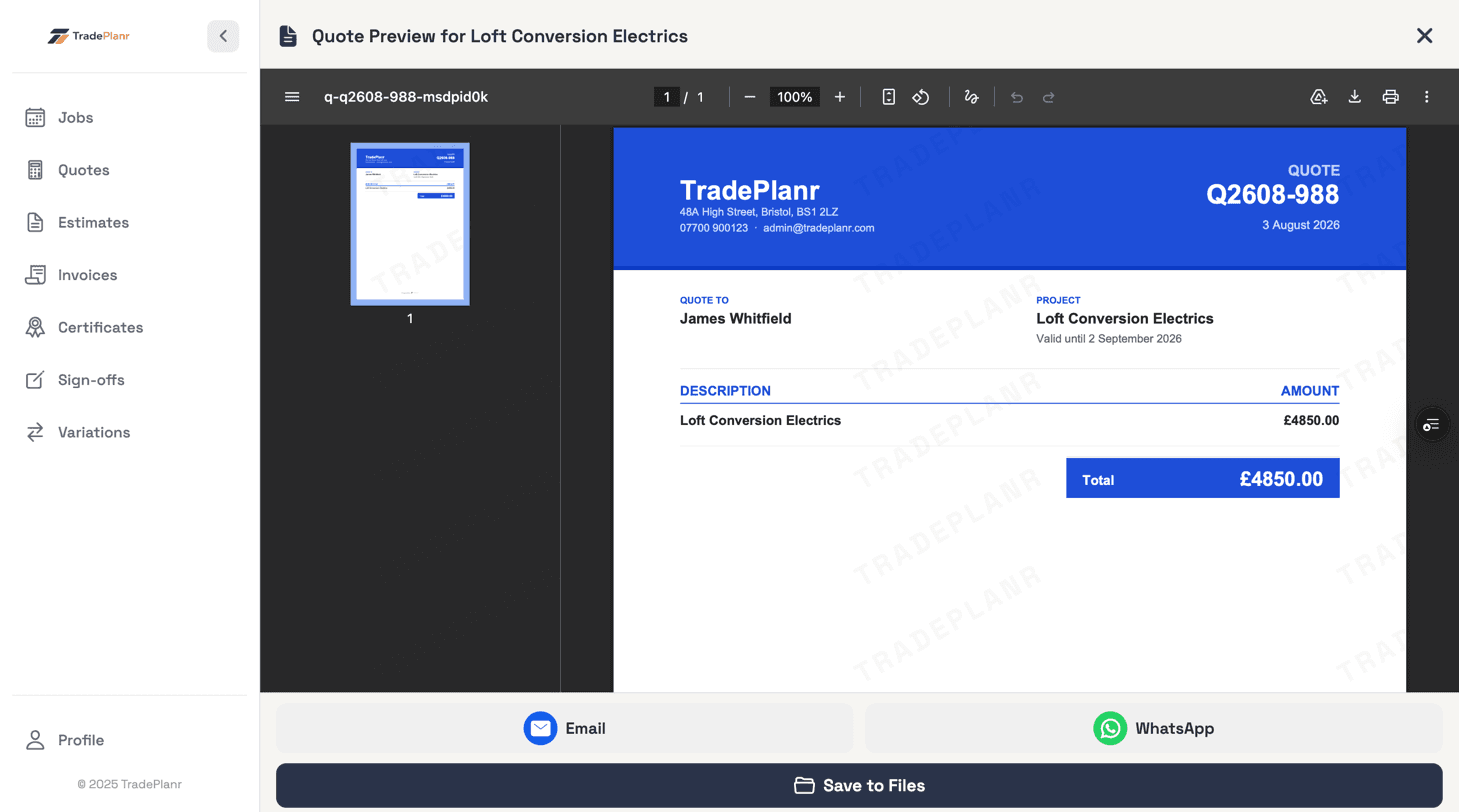
Send an estimate first for quick, early-stage pricing before a site visit, then a quote — your firm offer — once you've seen the job. In TradePlanr an accepted estimate converts to a quote with everything carried over.
They open a share link on any device, review the itemised quote and approve it with a digital signature — legally recognised in the UK (see tradeplanr.com/digital-signatures). You get notified the moment they do.
Yes — record variations against the job, get them acknowledged by the customer, and they pull through to the final invoice automatically alongside the quoted work.
Start free in your browser and set up your first job in minutes — no download needed.