

HHIC Benchmark

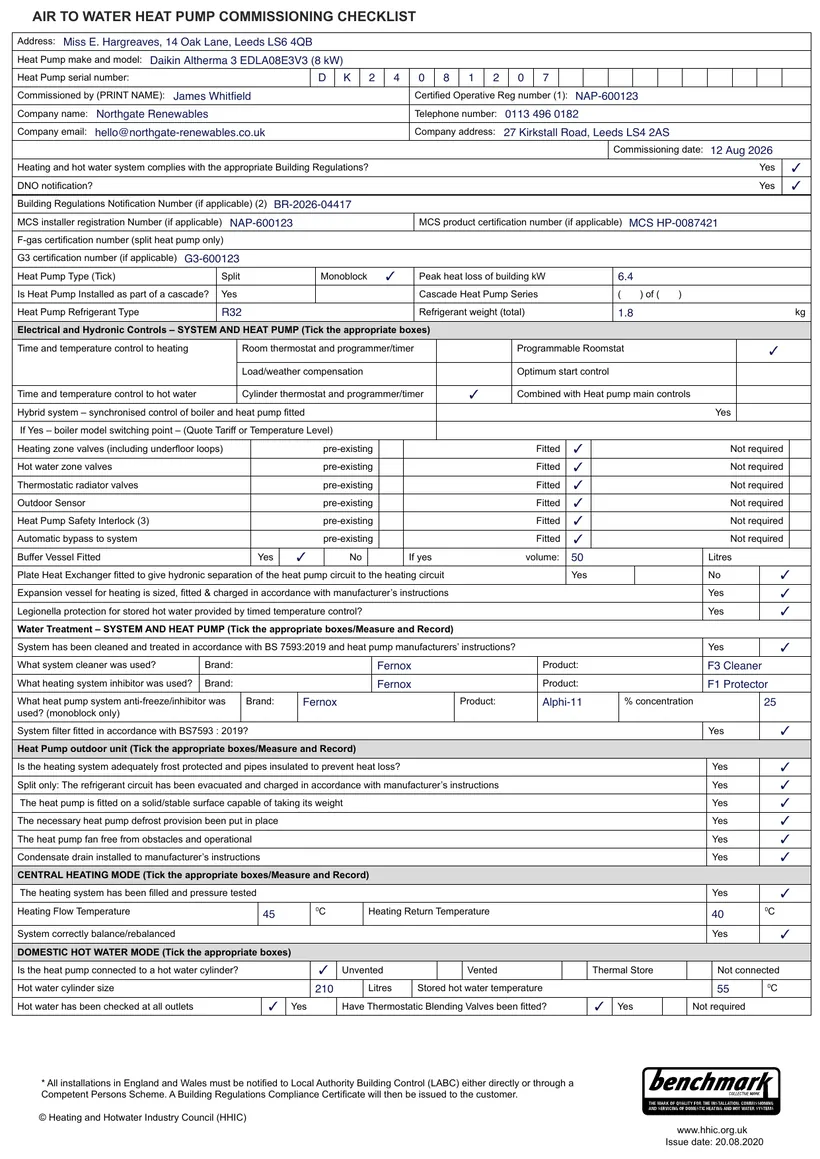
Heat Pump Commissioning Certificate (HHIC Benchmark)

The HHIC Benchmark commissioning checklist records that an air or ground source heat pump has been installed, filled and commissioned correctly. It captures the system settings and readings taken at handover, giving the customer a documented record that the appliance was set up in line with the manufacturer's instructions.

For most heat pump installations a completed Benchmark record is a condition of the manufacturer's warranty. Filling it in accurately at the point of commissioning protects both you and your customer if a warranty claim is ever made.

With TradePlanr you can work through the Benchmark checklist on your phone or tablet while you are stood at the appliance, then produce a clean PDF the customer can keep alongside their installation and building control paperwork.

Issue this certificate from your phone

TradePlanr generates this and 35+ other gas, electrical, oil, plumbing and renewables certificates as proper PDFs — filled on site, signed on screen and stored against the job. Works even with no signal. Free to download.

Download on the App StoreGet it on Google Play

What it covers

  • Installer and business details, plus the customer and installation address
  • Heat pump make, model and type (air source or ground source)
  • System settings including flow temperature, weather compensation and heating curve where fitted
  • Refrigerant details and checks where applicable to the appliance
  • System fill, pressure and any inhibitor or antifreeze added to the primary circuit
  • Confirmation the system has been balanced and commissioned to the manufacturer's instructions
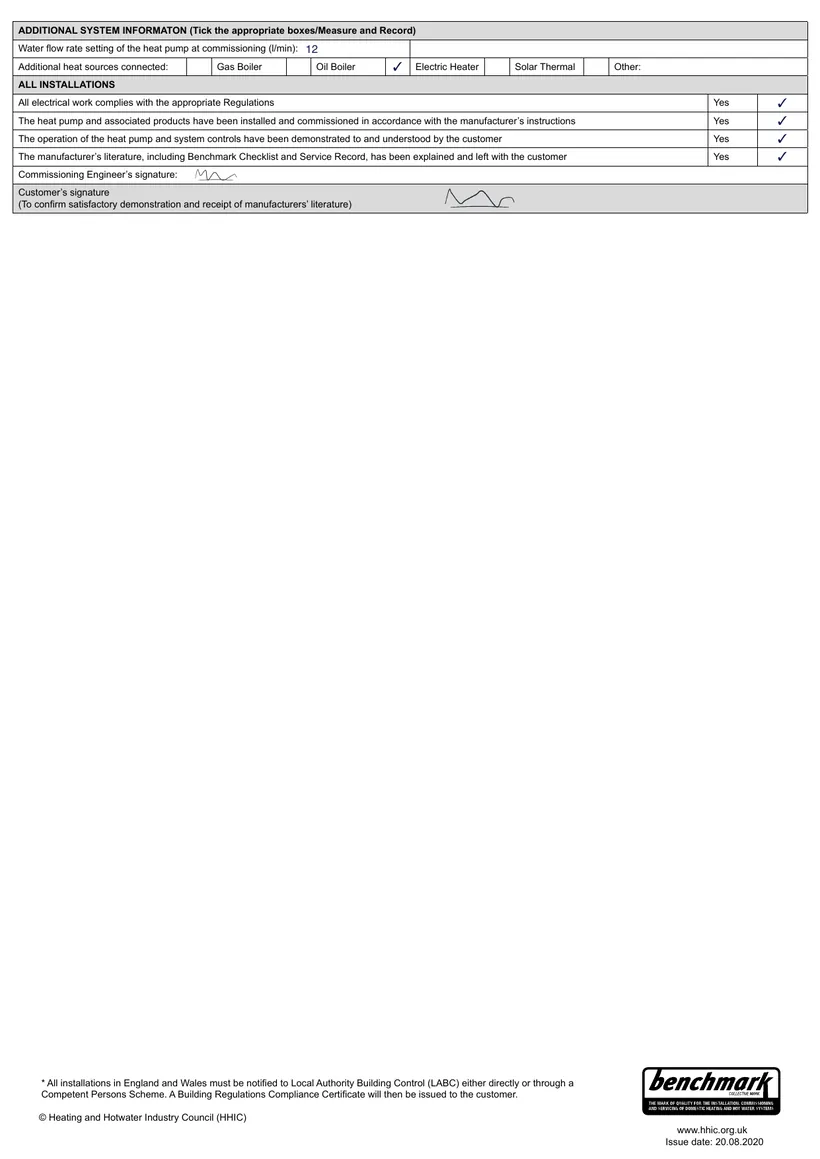
  • Commissioning date and signatures confirming handover to the customer

When it's required

A Benchmark commissioning record is completed at the point a new heat pump is commissioned and handed over. It is the record most heat pump manufacturers require to validate and maintain the appliance warranty.

It sits alongside, rather than replaces, MCS documentation. An MCS-accredited installer will typically complete the Benchmark checklist as part of a wider commissioning and handover process that also produces an MCS handover certificate.

Keeping a copy on file means you can evidence that the appliance was set up correctly, which is useful for warranty claims and for any future service or fault-finding visits.

How to issue it in TradePlanr

  1. 1

    Enter the appliance and system details

    Record the heat pump make, model and type, the installation address and your installer details so the certificate is fully populated before you start commissioning.

  2. 2

    Log settings and readings

    Capture flow temperatures, weather compensation and heating curve settings, system fill and pressure, plus refrigerant checks where they apply to the appliance.

  3. 3

    Confirm commissioning and warranty checks

    Tick off that the system has been balanced and commissioned to the manufacturer's instructions, ready to validate the warranty.

  4. 4

    Sign and store the PDF

    Capture your signature and the customer's, then generate a branded PDF you can hand over on the day and keep on file for warranty and service records.

Frequently asked questions

What is a Benchmark heat pump commissioning certificate?

It is the HHIC Benchmark record confirming a heat pump has been installed, filled and commissioned in line with the manufacturer's instructions. It logs the system settings and readings taken at handover.

Do I need a Benchmark record to keep the warranty valid?

Most heat pump manufacturers require a completed Benchmark commissioning record as a condition of their warranty. Filling it in at commissioning helps protect any future warranty claim.

Is the Benchmark the same as an MCS handover certificate?

No. The Benchmark records commissioning against the manufacturer's instructions, while the MCS handover certificate confirms the install meets MCS requirements. Installers often complete both at handover.

Can I complete the checklist on site?

Yes. TradePlanr lets you work through the Benchmark checklist on your phone or tablet at the appliance, then generate a PDF to hand over on the day.

No card required · Free to start · iPhone, Android & web