

Who signs the acceptance certificate?
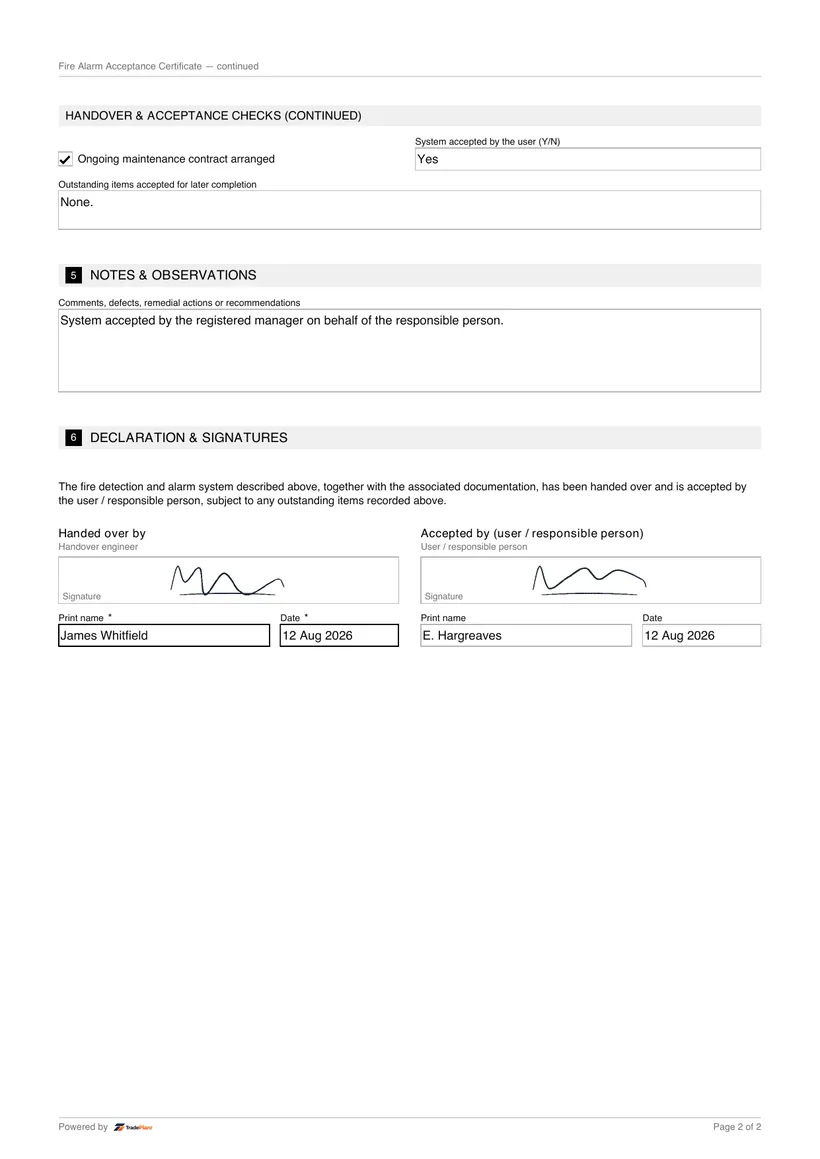
The user, or someone acting on their behalf, signs to confirm they accept the system and have received the documentation and training.
Fill it in on site, sign on screen, and send a professional FA Acceptance PDF before you leave the job.
Free to build · Send it with a 7-day free trial
Need a FA Acceptance for your own property? It's issued by the tradesperson who does the work — TradePlanr is the app they use.
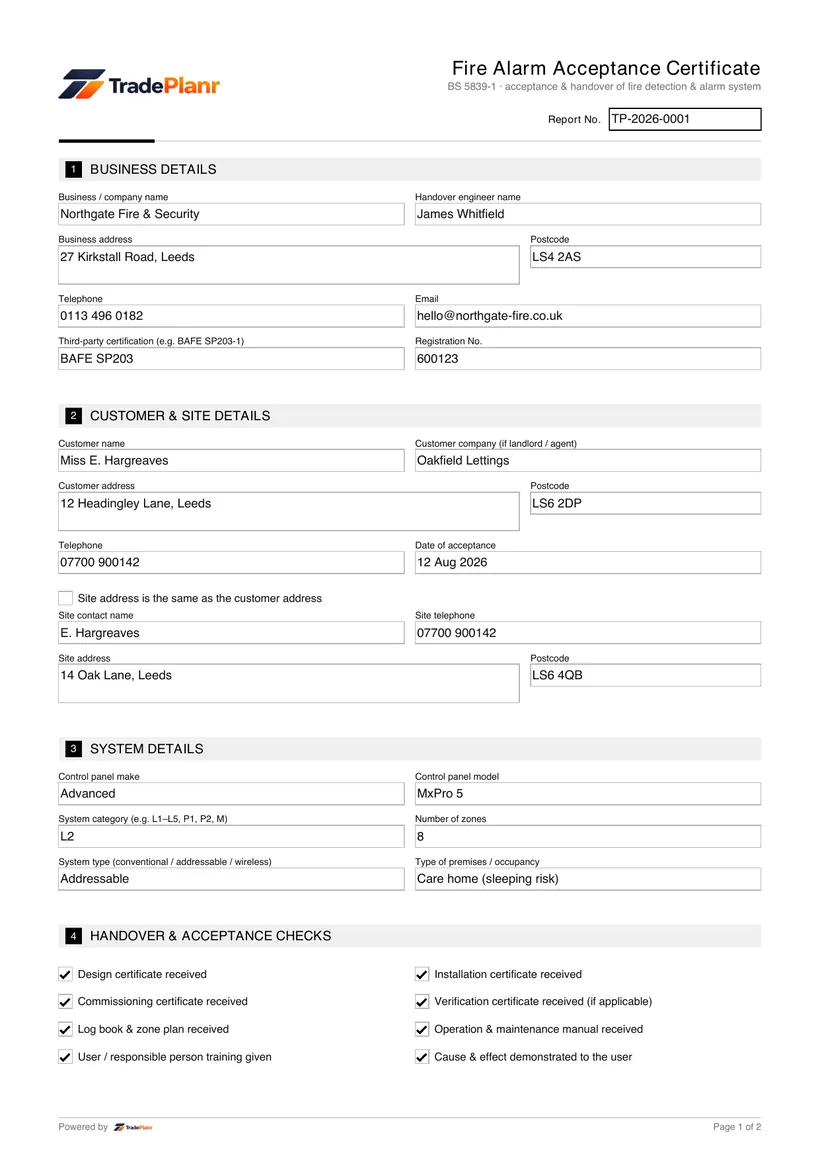
The acceptance certificate records that the user, or someone on their behalf, has accepted the fire detection and alarm system on handover. It confirms the design, installation and commissioning certificates and the documentation have been received, the cause and effect has been demonstrated, and the user has been trained.
TradePlanr captures the handover checklist, any outstanding items accepted for later completion, and the user's acceptance signature.
Issue a branded PDF that closes out the BS 5839-1 certificate set for a new system.
An acceptance certificate is signed when the user takes over a new or substantially altered fire alarm system.
It is the final certificate in the BS 5839-1 set, following design, installation and commissioning.
Tick off the design, installation, commissioning and verification certificates received.
Record the documentation received, the training given and the cause and effect demonstrated.
Record anything the user accepts for later completion.
Capture the user's acceptance signature and produce a branded PDF.
TradePlanr generates this and 79 other gas, electrical, oil, plumbing and renewables certificates as proper PDFs — filled on site, signed on screen and stored against the job. Works even with no signal. Free to start.
The user, or someone acting on their behalf, signs to confirm they accept the system and have received the documentation and training.
The design, installation and commissioning certificates, the log book, the zone plan and the operation and maintenance manual, along with user training on the system.
The BS 5839-1 commissioning certificate confirming the system was tested and commissioned.
The BS 5839-1 model certificate confirming the fire alarm system design for the specified category.
A schedule of every fire detection and alarm device by zone, location and address.
TradePlanr Agency builds custom-coded, SEO-optimised websites and runs Google Ads for UK trades — from £375, by the team behind TradePlanr.
Explore TradePlanr Agency