

What is an emergency lighting device list for?
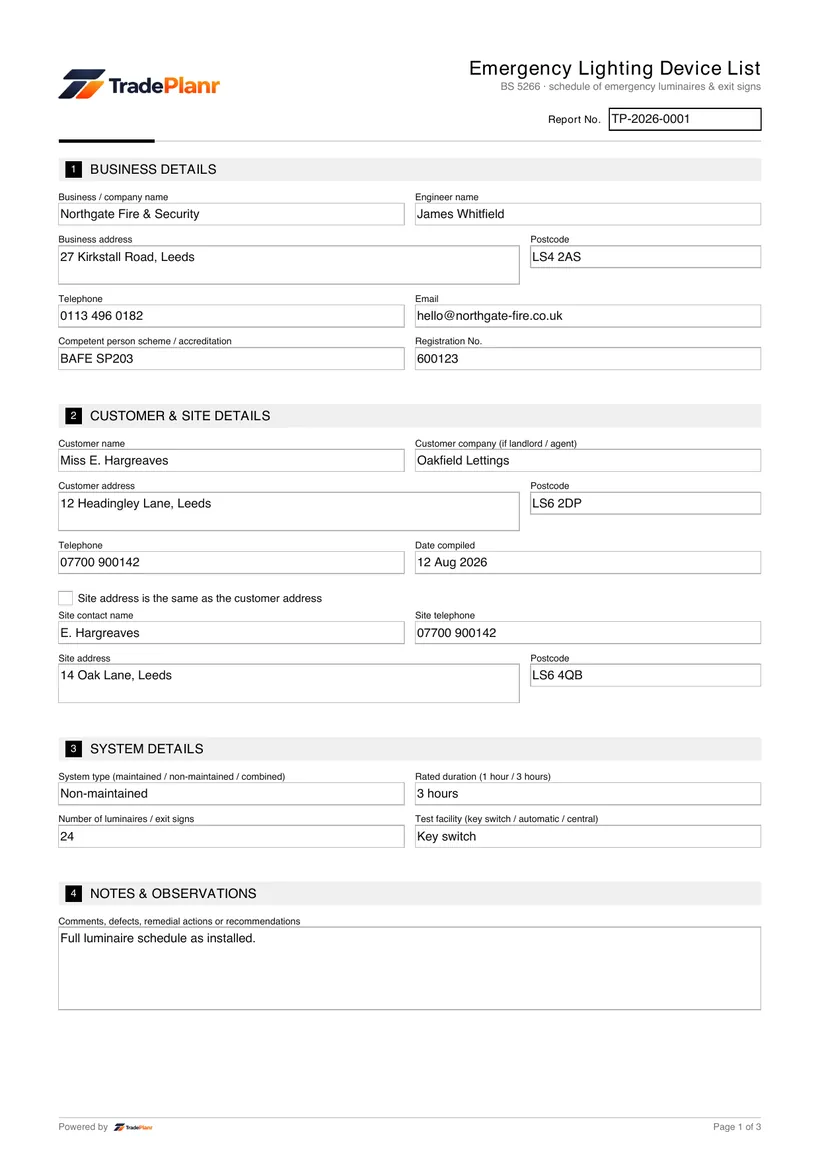
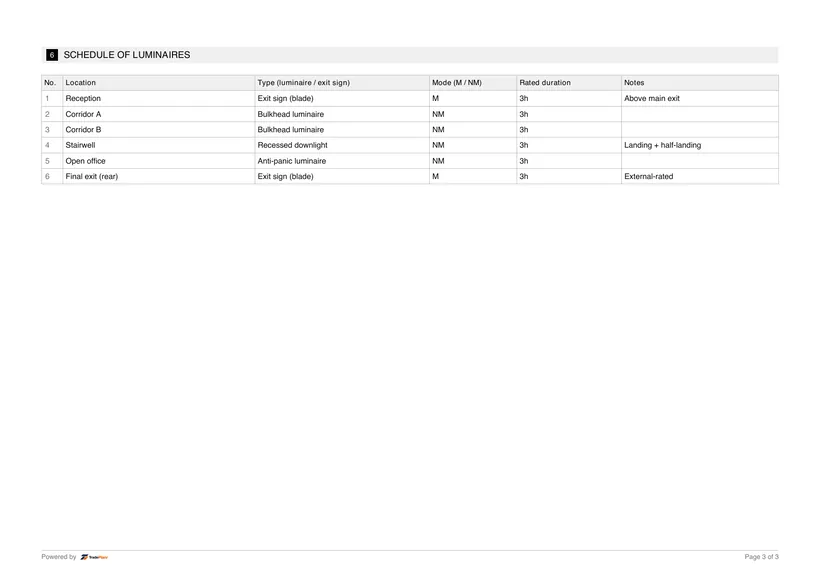
It records every emergency luminaire and exit sign by location, mode and rated duration, to support commissioning, periodic testing and maintenance.
Fill it in on site, sign on screen, and send a professional EL Devices PDF before you leave the job.
Free to build · Send it with a 7-day free trial
Need a EL Devices for your own property? It's issued by the tradesperson who does the work — TradePlanr is the app they use.
A device list is the schedule of every emergency luminaire and exit sign in a building, set out by location, mode and rated duration. It supports commissioning, periodic testing and maintenance, and forms part of the emergency lighting documentation.
TradePlanr lets you build an unbounded schedule of luminaires on site, with the system details recorded alongside.
Issue a clean, branded PDF schedule for the log book or the responsible person.
A device list is used at commissioning, during periodic testing and for maintenance, wherever an accurate record of the emergency luminaires is needed.
It supports the BS 5266 completion and periodic test certificates and the log book.
Add the system type, rated duration and test facility.
Add each luminaire and exit sign with its location, type, mode and rated duration.
Record any notes against each fitting.
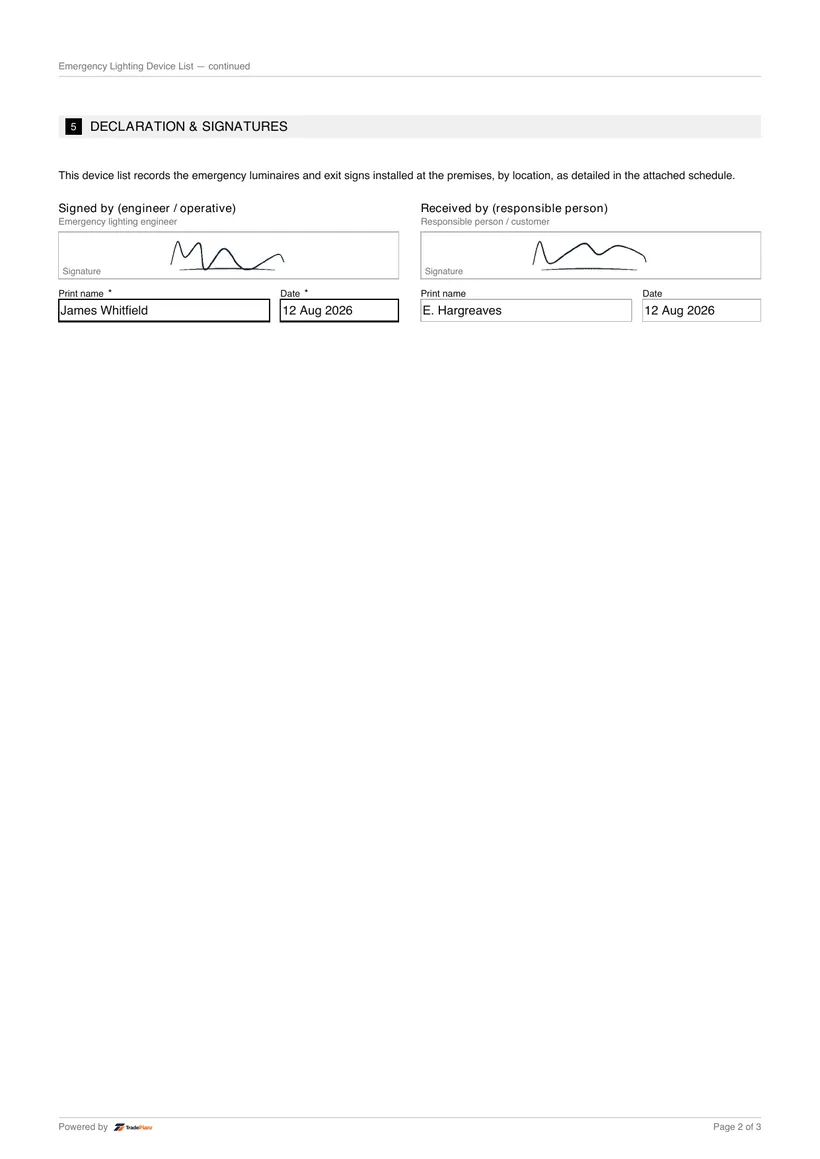
Produce a branded PDF device schedule for the log book.
TradePlanr generates this and 79 other gas, electrical, oil, plumbing and renewables certificates as proper PDFs — filled on site, signed on screen and stored against the job. Works even with no signal. Free to start.
It records every emergency luminaire and exit sign by location, mode and rated duration, to support commissioning, periodic testing and maintenance.
The schedule is unbounded — list as many luminaires as the installation has, and they paginate cleanly across the PDF.
Installation, commissioning and periodic test records for emergency lighting to BS 5266.
The monthly function and annual full-duration test certificate for emergency lighting.
The BS 5266-1 compliance assessment for an existing emergency lighting installation with no original records.
TradePlanr Agency builds custom-coded, SEO-optimised websites and runs Google Ads for UK trades — from £375, by the team behind TradePlanr.
Explore TradePlanr Agency